Adding a Custom Domain to an AI-Built App
A custom domain turns an AI-built project into a business people trust.
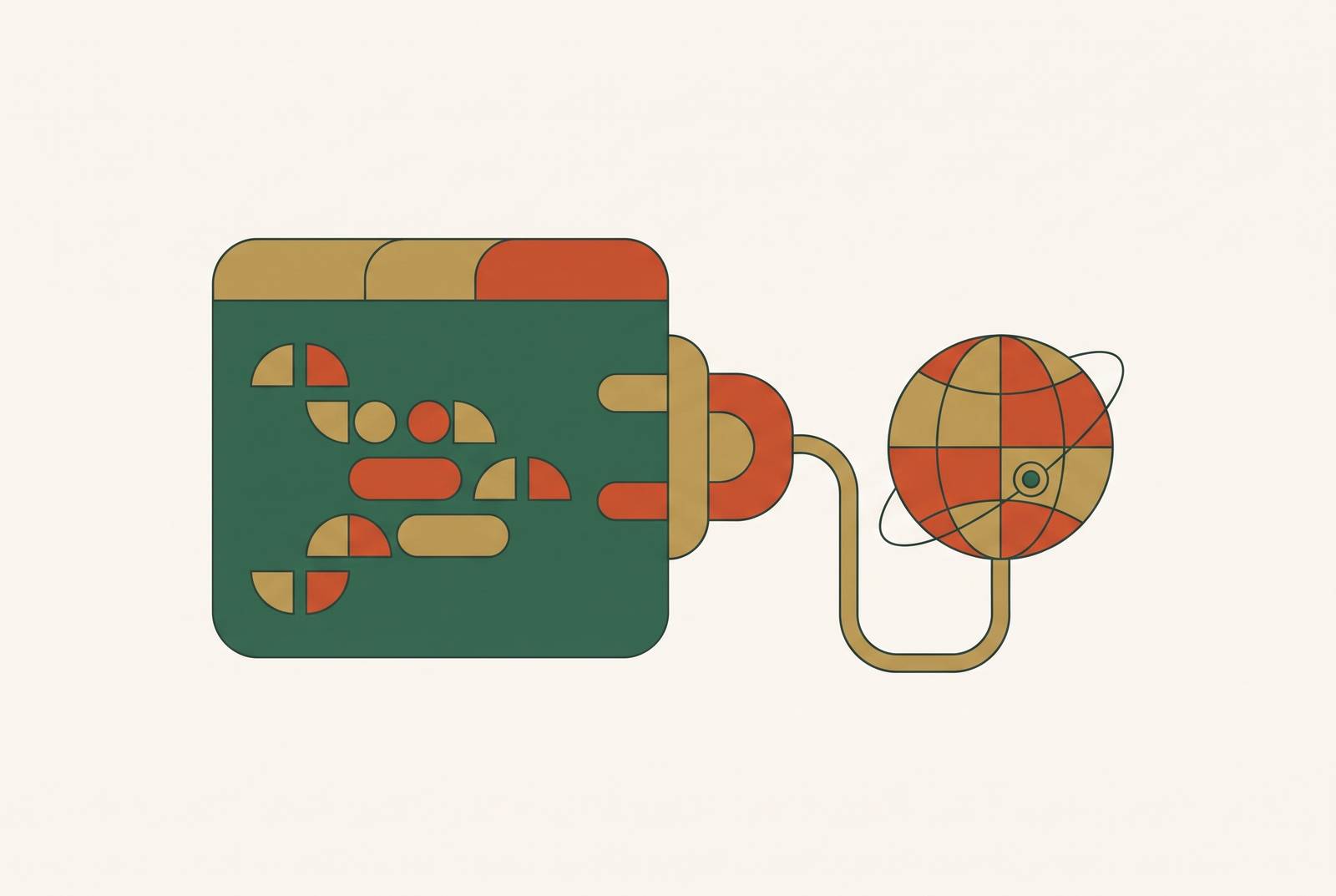
A custom domain is what makes an app read as a business instead of a weekend project. Trust starts at the URL bar, full stop. Anyone who has built something with an AI tool and shipped it on a free subdomain knows the tell: the product works fine, but the address gives it away as still in beta.
That gap is not cosmetic. Most builders treat it that way anyway, and it costs them. A visitor who lands on yourbrand.com reads it as a real company. A visitor who lands on yourapp.somebuilder.app reads it as unfinished, even when the product behind it is done and polished. A subdomain is fine for testing. It is not something to ask someone to pay against, sign up through, or hand an email address to, and treating a subdomain as launch-ready is the single most avoidable mistake in this whole process.
There's a discoverability cost too, and it gets skipped past constantly. Sitemaps, canonical URLs, meta previews: the small pieces that make a site show up correctly in search and social all depend on sitting under a domain someone actually owns. A domain gives search engines and social platforms a stable identity to credit. Without one, those signals have nothing durable to attach to, so any SEO work built on a shared subdomain is borrowed authority at best and wasted effort most of the time.
The gap between building and shipping is smaller than most people assume, which makes this urgent rather than optional. In a Zapier survey of AI software builders, 56% had already shipped something publicly. For that majority, the app needs to look finished enough for a stranger to trust it on sight, and the domain is doing most of that convincing before a single feature gets tested.
What DNS does, explained without jargon
DNS is the internet's address book. Nothing more mystical than that. Computers don't navigate the web by name, they navigate by number, specifically an IP address, and DNS takes a name like yourbrand.com and translates it into the numerical address a computer needs to find the app.
Two record types come up constantly, and neither is complicated once the acronym gets stripped away.
An A Record links a domain name directly to an IP address, the literal location of the server hosting the app. A CNAME Record points a domain to another domain name instead of an IP address, and that second domain has its own A record sitting behind it. CNAMEs get used when the destination IP might change over time, so the pointer stays flexible instead of hardcoded to a number that could go stale.
None of this requires knowing what an IP address even looks like. The platform handles that part. Think of DNS like updating a contact in a phone: changing the name tied to a number doesn't touch the phone network itself, it just updates which number that name calls. The routing infrastructure staying invisible throughout is caused by the platform managing DNS updates directly, so users never see the underlying network handling the change.
Requirements for your app before adding a domain
A domain has to point somewhere. That is the entire prerequisite, and skipping it is the most common way this step breaks before it even starts.
The app needs to already be published and live on its free platform subdomain before a custom domain can attach to it. There is no workaround here. A custom domain is a pointer, and a pointer with nothing to point to just breaks.
"Published" means three things are true at once: the app has a shareable URL, it has a running backend, and anyone with the link can open it. Not a preview. Not a draft. Live, in the plain sense of the word.
Check billing status at this same checkpoint. Many AI app builders require a paid plan to unlock custom domains, so confirm the account is upgraded before opening the domain wizard. Skipping that check is the single most common reason the whole flow stalls halfway through, and it's easy to miss because nothing in the interface stops anyone from trying anyway.
The step-by-step process for connecting a custom domain
Open the domain wizard from the Publish button. The entry point sits in the top-right corner of the project view, and that placement is deliberate. Keeping domain setup attached to publishing treats the two as one action instead of two separate chores, which matches how the decision actually gets made in practice. Nobody thinks about the domain until they're ready to put the thing in front of people.
Next comes a choice: connect an existing domain or buy a new one. Anyone on a paid plan who hasn't used their domain credit yet sees a "Get a free domain" option, claimable once. Buying through the platform means DNS connects automatically, no registrar login required. Connecting a domain already owned elsewhere moves straight into the automatic setup step.
That automatic DNS setup runs through the platform's DNS partner, Entri. Instead of handing over a table of records to copy and paste by hand, the platform opens an automatic setup window run by Entri. That window looks visually different from the rest of the platform's interface, which is expected and not a sign anything's wrong. Sign into the registrar account inside that window, approve the records, and the platform writes them. No manual copying, no typo buried in a CNAME value, no guesswork.
Then wait for verification. Once the records are approved, the platform checks that they've propagated and that the domain resolves where it should. Most cases clear within a few hours, though propagation can stretch to 48 hours in slower cases. A domain that doesn't resolve instantly isn't broken, it's just DNS doing what DNS does, and there's nothing to do but let it settle.
What gets wired up automatically alongside the domain
Connecting a domain on a production platform triggers more than a URL swap. Several layers activate at once, and each one matters for a different reason.
SSL and HTTPS get provisioned automatically, and that's what puts the padlock in the browser bar. Skip it, and browsers actively warn visitors the site is insecure, which kills trust faster than almost anything else on a first visit. Search infrastructure also becomes usable for the first time: sitemap submission, canonical URLs, meta and social previews all need a domain someone owns before any of them mean anything. Pre-rendering kicks in too, making sure search crawlers see full page content instead of a blank loading spinner, which matters for any app that wants to get found.
None of this requires touching a server config, managing a certificate by hand, or writing DNS records beyond that one approval click. A stitched-together stack runs hosting, a CDN, and a certificate provider as three separate systems, each with its own setup task, often requiring a terminal window or a cloud console most non-technical founders have never opened before this moment.
The Google February 2026 Discover Core Update carries a broader lesson into this. What separates sites that hold Discover traffic is content that's in-depth, original, and timely, from a source with demonstrated expertise. A platform that automates the technical scaffolding closes the gap between having a domain connected and actually being ready to compete in search. It doesn't substitute for the content itself, and no amount of automated SSL or sitemap wiring fixes a site with nothing worth reading on it.
Smoother process on an all-in-one platform versus a stitched-together stack
The flow described above, one wizard, one approval click, zero manual record-copying, only works because hosting, DNS, and the app's backend all live under one roof. Splitting those apart makes the whole thing slower and more fragile, and that's where most technical debt in a young project quietly starts.
On a stitched-together stack, connecting a custom domain usually means logging into a hosting provider to register the domain, then logging into the registrar separately to copy DNS records by hand, then waiting on propagation, then checking SSL provisioning as its own distinct step. If one of those fails, and something usually does, there's no single support line to call. Each vendor points at the other.
Hosting and infrastructure costs become the real bill once an app has actual users, showing up in monthly charges that can scale significantly depending on traffic and data volume. That number almost never makes it into the initial back-of-envelope budget. Builders often argue that stitching together separate tools, a design tool here, a component generator there, a backend builder somewhere else, looks affordable on paper when comparing individual plan prices. It still leaves domain setup, SSL, and hosting as three separate coordination tasks, and the monthly bill on metered plans climbs right alongside usage, usually faster than anyone budgeted for. Anyone comparing the two options on sticker price alone is comparing the wrong number.
What to check once your domain is live
Opening a private or incognito browser window and typing in the new domain avoids cached results tricking anyone into thinking the setup worked when it hasn't actually finished propagating yet. That one step avoids cached results tricking anyone into thinking the setup worked when it hasn't actually finished propagating yet.
Look for the padlock icon in the address bar. No padlock means SSL may not have finished provisioning yet, so waiting a bit longer before checking again is the right move rather than starting over from scratch.
From this point forward, the custom domain is the one that gets shared publicly: in emails, on social, everywhere that matters.
Three quick follow-ups round out the SEO side. Submit the sitemap to search engines under the new domain. Confirm canonical URLs point to the new domain. Check that meta titles and social preview images are pulling correctly. Small checks, but they separate a domain that's technically live from one that's actually doing its job.