Scheduling Recurring Tasks in an AI-Built App Without a Cron Job
AI platforms now handle scheduling natively, replacing cron jobs for founders.
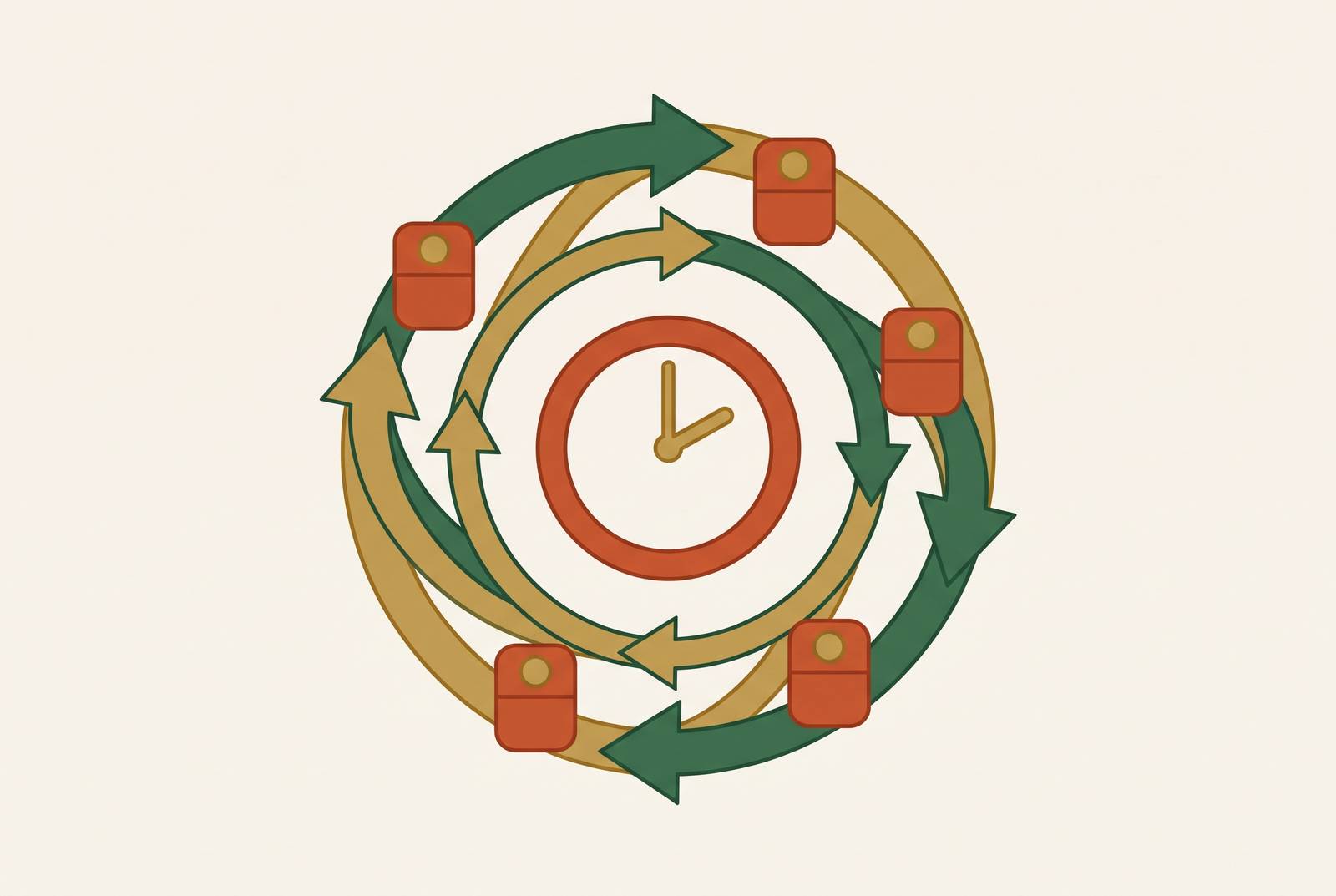
A recurring task in an AI-built app, a weekly digest, a daily lead check, a morning summary, no longer needs a cron job to run on schedule. Modern AI platforms now handle the clock, the trigger, and the delivery as part of their own infrastructure. A non-technical founder can set up reliable automation with a prompt or a dashboard toggle instead of a server. This piece walks through what that shift looks like, where native scheduling reaches its limit, and how to pick the right layer for the stage a founder is actually at.
Cron Jobs: The Default for Recurring Tasks in AI-Built Apps
A founder who wants a weekly digest email or a daily lead-follow-up check isn't asking for much. They want something to happen on its own, on a schedule, without anyone remembering to press a button. What they usually get handed instead is a cron job: a server that has to stay alive, SSH access, a five-field expression written in a syntax from 1975, and the job of watching it to make sure it didn't fail silently overnight. The gap was never scheduling itself, but the distance between what a founder needs, something that runs reliably on a timer, and what cron demands, a machine, a login, and ongoing babysitting. So many non-technical builders assume automation needs a developer, but the real issue is a decades-old default, one that AI-built apps don't have to inherit.
What "recurring task" means at the app level
Scheduling is a simple idea once the jargon is stripped away. It means telling a system to do something at a set time without a person triggering it, the same logic as setting an alarm clock, except the alarm fires off an action instead of a sound.
In a real app, recurring tasks tend to look ordinary rather than exotic: a morning briefing pulled from an inbox, a weekly report built from a project tool, an hourly check on new leads, a daily digest sent out to users. Across production apps, five patterns appear repeatedly: a morning briefing, an inbox pre-processor, a weekly report generator, a lead follow-up, and a social listener. Every one of them shares the same bones: something fires at a fixed time, that trigger sets off an action, and the action produces an output that lands somewhere, an inbox, a dashboard, a Slack channel.
There's a wrinkle buried in that structure that most tutorials skip past. A task that sends a weekly digest has to know what it already sent last week. The task needs more than a clock. It needs memory, a database or some persistent store to track what's already run. Timing is only half the job; that idea gets its own section later in this piece.
Scheduling's move from the server to the platform layer
The cron-job default is obsolete for AI-built apps because the function it performs has moved. Scheduling used to live on a server a founder had to maintain. Now it lives inside the platform itself: the platform tracks the clock, fires the trigger, and handles delivery, and the founder's actual job shrinks down to writing the prompt and picking the frequency.
Part of what made this migration possible is the Model Context Protocol, usually shortened to MCP. MCP defines a single protocol any AI application can use to talk to any tool, so you build a connector once and every MCP-compatible client can use it afterward, including as a scheduled trigger. The mechanics of MCP get more detail later in this piece. For now, the point is simpler: scheduling has become a feature exposed through a dropdown, a plain-language prompt, or a toggle on a dashboard, not an infrastructure project requiring a crontab, a terminal, or a VPS kept running around the clock.
This shift lands hardest on exactly the people who need it most. A growing share of profitable SaaS products today run on a single founder, and people who need recurring automation without a DevOps team are the mainstream of who's building new software.
Native platform scheduling and its limits
The simplest version of platform-layer scheduling lives directly inside an AI tool. A founder describes what they want done and when they want it done, and the platform runs it, no code, no third-party service, no one manually re-typing the same prompt every morning.
ChatGPT Scheduled Tasks is the clearest example of this. It's available to Plus, Pro, Business, and other subscribers, including Free users, and it lets people set up recurring jobs using plain language, daily, weekly, on specific days, or as a one-time task set for the future. The output then comes back either into the chat history or through a notification. Setup doesn't involve any configuration screen: a user types a request with a time or a recurrence built into it, ChatGPT recognizes it as a task, confirms the schedule back to the user, and saves it.
The same pattern appears in coding agents. AgentsRoom's Scheduled Tasks feature, published October 2, 2026, spawns a real agent session inside the project with its own role, provider, and model, firing every N minutes, hourly, daily, weekly, or monthly, with the next run shown in plain language rather than a cron expression. One design detail matters here: scheduled tasks fire while AgentsRoom is actually running, and if a run came due while the app was closed, it catches up automatically the next time it launches. That's an in-app scheduler with a catch-up mechanism, running only while the app is open, unlike a server running around the clock whether anyone's logged in or not.
Native scheduling like this handles information tasks well when they live entirely inside one system. The ceiling appears when a task needs to write to a database, send a real email to a real user, or react to something happening outside that one platform. At that point, native scheduling alone isn't enough, and the task needs a way to reach outside its own walls.
Workflow automation tools as the no-code cron equivalent for external actions
When a recurring task has to reach past a single AI platform, send an email, update a record in a database, post into Slack, trigger a payment, a workflow automation tool steps in as the no-code version of a cron job wired directly to an API.
n8n is the alternative for builders expecting high task volume: it charges per workflow execution instead of per step, so a complex multi-step AI workflow costs the same as a single simple notification. Its Community Edition is self-hosted, free, and unlimited on a low-cost server. In 2026, n8n raised the AI builder credits at its entry tier by a lot, so you can get into the AI-assisted workflow-building path more cheaply than before. The honest trade-off is that technical teams were who n8n was built for. Complex AI workflows go more smoothly with some JavaScript or Python knowledge, so it isn't the natural starting point for a founder who wants to configure nothing at all.
MCP adds another layer on top of this. The n8n MCP lets Claude trigger an existing automation workflow or build one on the spot, for example: "when a Stripe lead comes in, qualify it, add it to Notion, and send a Slack message to the team". That turns a scheduled sweep into something closer to a reactive pipeline, responding to events instead of just checking in on a timer.
The trade-off is structural: once a founder adds a workflow tool on top of an AI platform, they're managing two systems instead of one, the AI agent platform and the automation tool, and when something breaks, tracing it means checking two separate dashboards instead of one.
The stateless execution problem
Most guides to scheduled AI tasks treat timing as the entire problem, but they leave out state entirely. A task that fires on schedule but has no memory of what it already did will repeat itself: it'll send the same digest twice, follow up with the same lead twice, process the same record twice.
The fix is concrete rather than theoretical. A scheduled task sending out a weekly digest needs to know which digest already went out. It needs a persistent store, a database, a table, a log, so it can check its own history before it acts. That store can be Supabase, Airtable, or a table built directly into the platform doing the scheduling.
The ahhlife journaling app makes this concrete. Developer Obie had been running a combination of cron jobs, background workers, and conditional logic to manage when journal reminders should go out. That whole stack got replaced with an AI model that checks whether the current time falls within one hour of the schedule a user had asked for. The AI took over the conditional state check that dedicated code used to have to manage. State isn't a problem reserved for advanced builders on complicated systems. Any recurring task touching real users, a digest email, a lead follow-up, a payment reminder, carries a state requirement starting on day one, and the founders who plan for it early save themselves from duplicate sends and confused users later.
What all-in-one platform infrastructure solves for the non-technical founder
The decision facing most indie builders comes down to one question: stitch together several best-in-class tools, or use a platform where scheduling already sits next to the database, backend, and hosting it needs to work. Stitching carries a real cost that grows with scale. A solo founder can run a lean stack from a handful of tools, but as usage grows, scheduling through external services costs more, and the debugging surface grows even faster. A failure somewhere in a five-tool pipeline means checking five separate dashboards to find it.
Platforms like Floot remove this gap by folding scheduling into the built-in infrastructure layer itself: a recurring task shows up as a prompt or a dashboard toggle rather than a terminal command, because the platform is already managing the clock, the trigger, and the delivery. When the scheduling layer, the database, the backend logic, and the hosting all live inside one piece of infrastructure, a recurring task can read its own state, write results back, send emails, and stay live at a shareable URL, configured in one place instead of assembled from a pipeline of outside services. For single-founder SaaS builders, that difference carries real weight: Floot's all-in-one approach goes further by bundling scheduling together with database access and hosting, so a task can write to a persistent store, email users, and connect to outside systems without ever leaving the conversation with Claude or ChatGPT.
None of this means the stitched-together approach is wrong for every use case. If you run low-volume tasks and don't mind keeping an eye on two systems, Zapier or n8n layered on top of a separate app platform works fine. The calculation changes for a founder who needs production-quality infrastructure, state management, and recurring tasks living in one place, and who doesn't want to take on managing a multi-tool stack to get it. For that founder, an all-in-one MCP platform is the better fit.
Choosing a scheduling approach for your stage
Start with what the task actually touches. A task that stays entirely inside one AI platform, summarizing an inbox, drafting a report from information already available there, fits native scheduling like ChatGPT Scheduled Tasks or AgentsRoom's scheduled sessions. No external system, no database, no extra tool needed.
The moment a recurring task has to reach outside that one platform, sending an email, updating a database record, posting to Slack, or triggering a payment, it needs a workflow automation layer like Zapier or n8n sitting on top, and for a founder who wants to experiment with low-volume tasks and is comfortable managing two systems, this is viable.
Once a task needs to remember what it already did, send to real users at any meaningful volume, or form part of an actual product rather than a personal automation, the calculation shifts again. At that point, an all-in-one platform that bundles scheduling with a database, backend logic, and hosting under one roof, the kind of setup Floot represents, removes the stitching problem instead of just managing it. The right starting point depends on what the task touches today, but the direction is the same for almost every founder building something meant to last: fewer systems to manage, and infrastructure that handles state as naturally as it handles time.
Sources
- What Is Claude Code Loop? How to Schedule Recurring AI Agent Tasks
- How to Use ChatGPT Scheduled Tasks for Autonomous AI Workflows
- I *Actually* Tried 20+ AI Scheduling Assistants To Finally Fix My Calendar | Lindy
- Scheduled Tasks: schedule AI agents like a cron, without the cron
- The 7 best AI scheduling assistants in 2026 | Zapier