App Store and Google Play Submission Checklist for No-Code Founders
Avoid submission rejections by preparing builds, privacy forms, and accounts systematically.
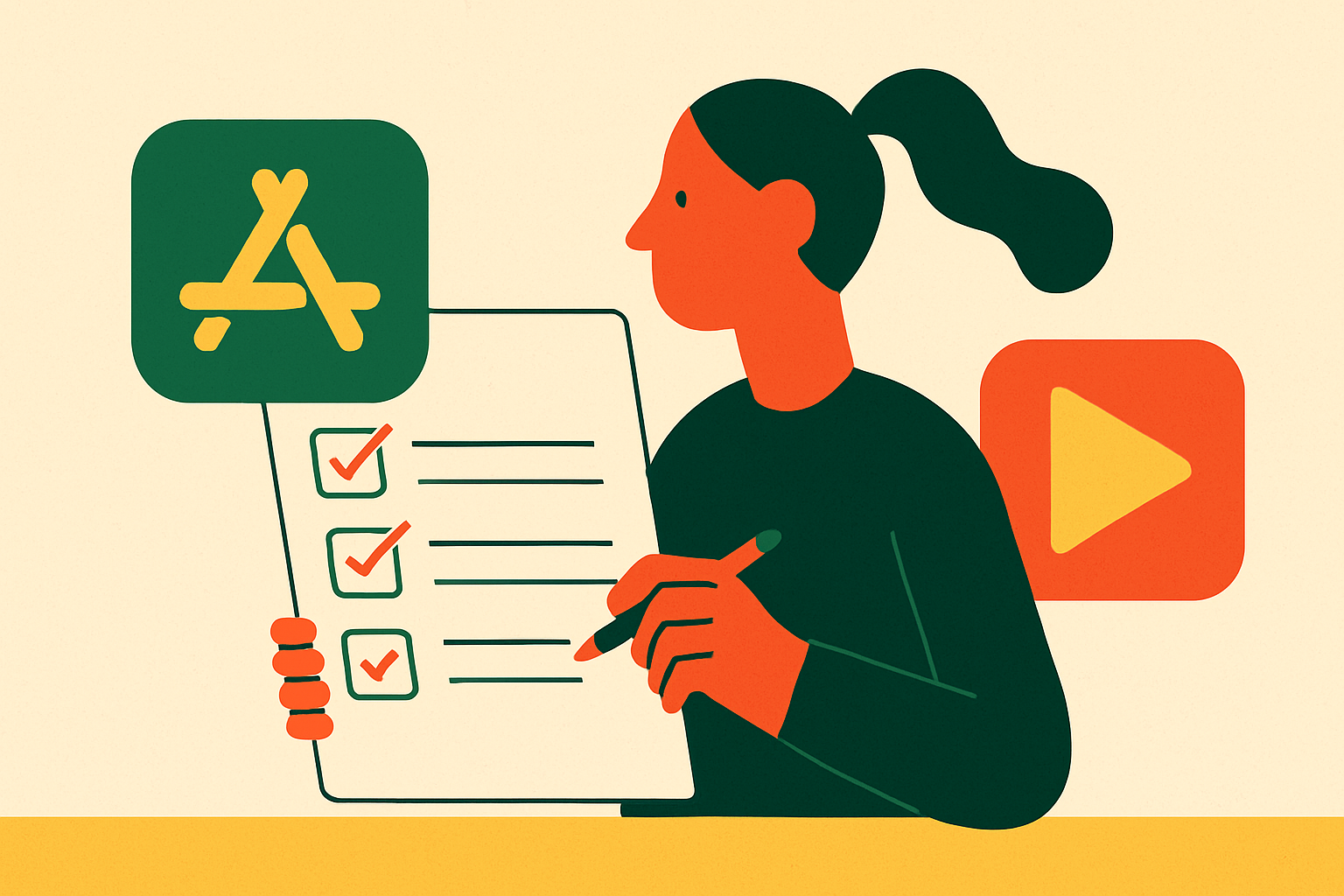
To publish an AI-built app to the App Store and Google Play without a certain type of computer or installing Xcode, the builder must make native binaries and handle the build and submission work.
Why the App Store and Google Play have become harder to enter in 2026
Both stores raised their technical and policy floors in 2026, so a guide from early 2025 or an earlier year can leave a founder preparing for rules that no longer cover submission. The changes reach beyond the finished app. They affect the build, the data disclosures, and the steps an account must complete before it can publish. An app can therefore be ready for users while its submission is still blocked.
That makes the year on a checklist matter. Android target requirements have dated deadlines, while privacy rules now reach into third-party AI integrations that a founder may not think of as data collection. These are release gates. The useful response is to prepare for them during development.
What Apple and Google are actually checking — and why most rejections are avoidable
Most rejections come from a small set of preparation failures. Missing paperwork, a demo account that does not work, or screenshots that promise features the app lacks can stop an otherwise useful product. Review is less mysterious when those failures are separated from the product itself. The stores need the build, listing, declarations, and reviewer access to describe the same app.
A privacy form cannot describe only first-party collection if an included SDK gathers more data. A subscription feature cannot be reviewed if the supplied account cannot reach it. Likewise, a feature described in the listing needs to exist in the submitted build. Once those checks are understood, the stores become predictable enough to prepare for systematically.
Setting up developer accounts on both stores before your build is finished
Start enrollment before the build is finished because account approval runs on its own schedule. It usually takes one to two business days to get Apple Developer Program approval, after which App Store Connect records can be set up. If the app charges for downloads or in-app purchases, accept the Paid Applications Agreement. Add banking and tax information even for a free app. Budget for Apple’s annual account fee and Google’s one-time registration fee.
Google Play also needs to check identity and contact details. Fill in the developer name, contact email, and working website, and confirm the payments profile if the app sells downloads, subscriptions, or in-app products. New personal accounts must go through closed-testing before they can get production access. A tester opting out can reset progress toward the 14-day window, so recruit more than the minimum and check opt-in status regularly. Write down the feedback and fixes before applying for production access.
Choose the iOS bundle ID and Android package name carefully because neither can change after the first upload. Reserve the app name early, since both stores check for trademark conflicts and name squatting. Account work can run while the product is taking shape. For founders using Floot, the backend and infrastructure are set up automatically, so enrollment and app development can run together without waiting for that setup.
What no-code founders need to know about building a compliant binary
The most consequential builder decision is its output format. Ask explicitly whether it produces a native binary or a WebView wrapper. Apple’s guidelines do not mention “no-code,” “low-code,” or “drag and drop.” Instead, Guideline 4.2 targets insufficient functionality, including thin web wrappers, while Guideline 4.3 targets duplicated, undifferentiated apps. Guideline 4.2.6 requires the content provider to submit apps made through commercialized templates or generation services under its own Apple Developer account.
Floot avoids thin web wrappers by sending native iOS and Android binaries straight to both stores under the founder’s account. A genuine native app still needs to do useful things, have declarations that match what it does, and have a release build that works.
For Android, new apps and updates submitted after August 31, 2026 must target API level 36, which is Android 16. An extension to November 1, 2026 can be requested in Play Console. Upload an Android App Bundle, or AAB, rather than a raw APK, include 64-bit native libraries, and enable Play App Signing.
Before an iOS build can be archived, it needs an iOS Distribution Certificate and a matching Provisioning Profile. Every upload needs a unique build number, and only capabilities and entitlements the app uses should be enabled. The build workflow should also run “Validate App” in Xcode before uploading. A founder avoiding a local Xcode installation still needs that packaging work covered by the builder.
Preparing store metadata and assets before submission
Once the binary is ready, the listing must match it. Set up App Store Connect and Play Console records with the same core metadata so their descriptions do not drift apart. Apple uses Guideline 2.3 when metadata and functionality diverge. Screenshots must show real in-app content from the submitted build.
For Google Play, combine the brand name with a clear category phrase that reads naturally. The short description should explain the main result, while the full description should say what the app does and how it helps, without a keyword block. Google prohibits misleading claims, ranking language, pricing promotions, and repetitive or unattributed testimonials. Supply the required phone screenshots and tablet assets if the app supports tablets. Check localized graphics for clipped copy, incorrect numerals, and outdated interface images.
A support email is required, while a listing website and phone number are optional but useful. Before submission, remove debug menus, test endpoints, placeholder copy, and test payment products from the app. These are not merely untidy details. They can trigger an App Completeness rejection even when the public listing looks finished.
Privacy requirements and policy declarations that gate submission on both stores
Privacy declarations must cover all data the app and its integrations collect, including what the founder deliberately asks users to provide. Audit analytics, advertising, crash-reporting, authentication, payment, and support SDKs before completing the forms. Apple’s privacy nutrition labels must cover all of that data collection. Show the App Tracking Transparency prompt before accessing the IDFA or tracking users across other companies’ apps and websites. Apple cites Guideline 5.1 for privacy violations.
Since November 2025, apps must first show a screen that asks for explicit consent before they pass user data to third-party AI APIs such as OpenAI, Claude, or Gemini. For an AI-powered app, that makes consent part of the interface rather than a sentence buried in paperwork. Builders with integration compliance built into their infrastructure, including Floot, can cover SDK compliance and API consent screens before submission. The founder still needs the declarations to match the app’s actual behavior.
Google Play needs a Data Safety form for apps on closed, open, and production tracks, even when they collect no user data. Supply a public privacy policy URL in Play Console and inside the app where the User Data policy requires it. Request only permissions the app uses, and complete specific declarations for sensitive permissions such as SMS, Call Log, and Accessibility Service. Complete the IARC content rating questionnaire and applicable App content declarations, including ads, app access, target audience, health functionality, and financial features.
On iOS, network calls must use HTTPS unless the app declares an App Transport Security exception and gives a reason for it. Support networks that use only the newer internet addressing protocol because Apple tests submissions on them. Answer the encryption export compliance question even if the app qualifies for the standard exemption.
In-app purchases, payments, and sign-in rules that founders often discover too late
Payments need attention during the build because a rejected purchase flow can require structural changes. An external payment link inside an iOS app is not a substitute for meeting Apple’s in-app purchase requirements. A business can sell a subscription on the web and provide a free app that unlocks access, but that app must offer real free value. A login wall with no free utility risks rejection as a thin client under Guideline 4.2.
Account access has its own rules. If the app offers third-party or social login, it must also offer Sign in with Apple under Guideline 4.8. Users must be able to preview or use core features before being required to create an account. These requirements shape onboarding, so they belong in product planning.
Floot includes backend logic, authentication, and integrations such as payment processors, giving founders a starting point for those flows. That infrastructure does not make every payment design acceptable. The purchase and access experience still has to meet the store’s requirements.
Testing the build before submission — what to run, and in what order
Start with the release build on physical devices. Test on a current-generation device, a mid-range device that is one generation old, and the oldest operating system version the app claims to support. That range tests the app against its own compatibility promise. App Completeness failures are Apple’s top reason for rejection, so crashes and broken flows need to be fixed before the upload.
Next, run at least one internal or external TestFlight beta round and fix every crash it finds. For Android, test the exact AAB through a Play test track as well as in Android Studio. Play signing, delivery splits, permissions, and billing are part of the release path and can behave differently from local testing. Read the pre-launch reports for crashes, accessibility issues, and failures on specific devices.
Finish with a human pass through sign-up, sign-in, onboarding, purchases, restores, notifications, deep links, offline behavior, account deletion, and support links. Keep reviewer credentials active and independent of expiring email or SMS codes.
Writing the App Review Information note that pre-empts most reviewer friction
The App Review Information note explains how to reach what testing has shown to work. A reviewer who cannot enter a gated feature cannot distinguish an access problem from a broken feature. Give the exact demo username and password, together with any two-factor authentication workaround. Then explain each non-obvious flow in the order the reviewer needs to follow it.
Be especially clear about subscription gates and features requiring hardware, a location, or a particular role. Explain requested permissions in terms of the user experience they support. For AI integrations, describe the consent screen and the data shared, referencing the November 2025 requirement. This gives the reviewer context for the behavior they will see.
Do not leave the note blank when access or navigation needs explanation. Equally, do not use it to dispute a guideline or challenge the store’s authority, since that belongs in the formal appeal process. Test the credentials and instructions on a clean install separate from the development device. The note is ready when someone can follow it without relying on unstated knowledge.
What to do when a submission is rejected — the appeal and resubmission path
Preparation lowers rejection risk, but it does not guarantee approval. When a submission is rejected, the next step depends on whether the problem needs a correction or a formal appeal. Missing access, inaccurate metadata, and a broken flow belong on the correction and resubmission path. A disagreement with the guideline decision belongs in the appeal process.
Extra explanation cannot fix a crash, while changing a feature that works may still leave a dispute over policy. Treat the cited issue as a specific gap rather than evidence that no-code publishing is closed to the app. The same preparation sequence remains useful after rejection because it connects the build to its listing, declarations, and access instructions.
Infrastructure support from an option such as Floot leaves founders more room to focus on that preparation. Even with that support, the app still needs clear disclosures, useful functionality, and a user experience that has been tested. This checklist covers the majority of what reviewers look for. A founder who works through it systematically is in a materially better position than one who treats uploading as the whole job.