How to Ship a Real Native App to Both Stores on a Budget When Mac Hardware Is Not an Option
Cloud services let you build and submit iOS apps from Windows or Linux without buying a Mac.
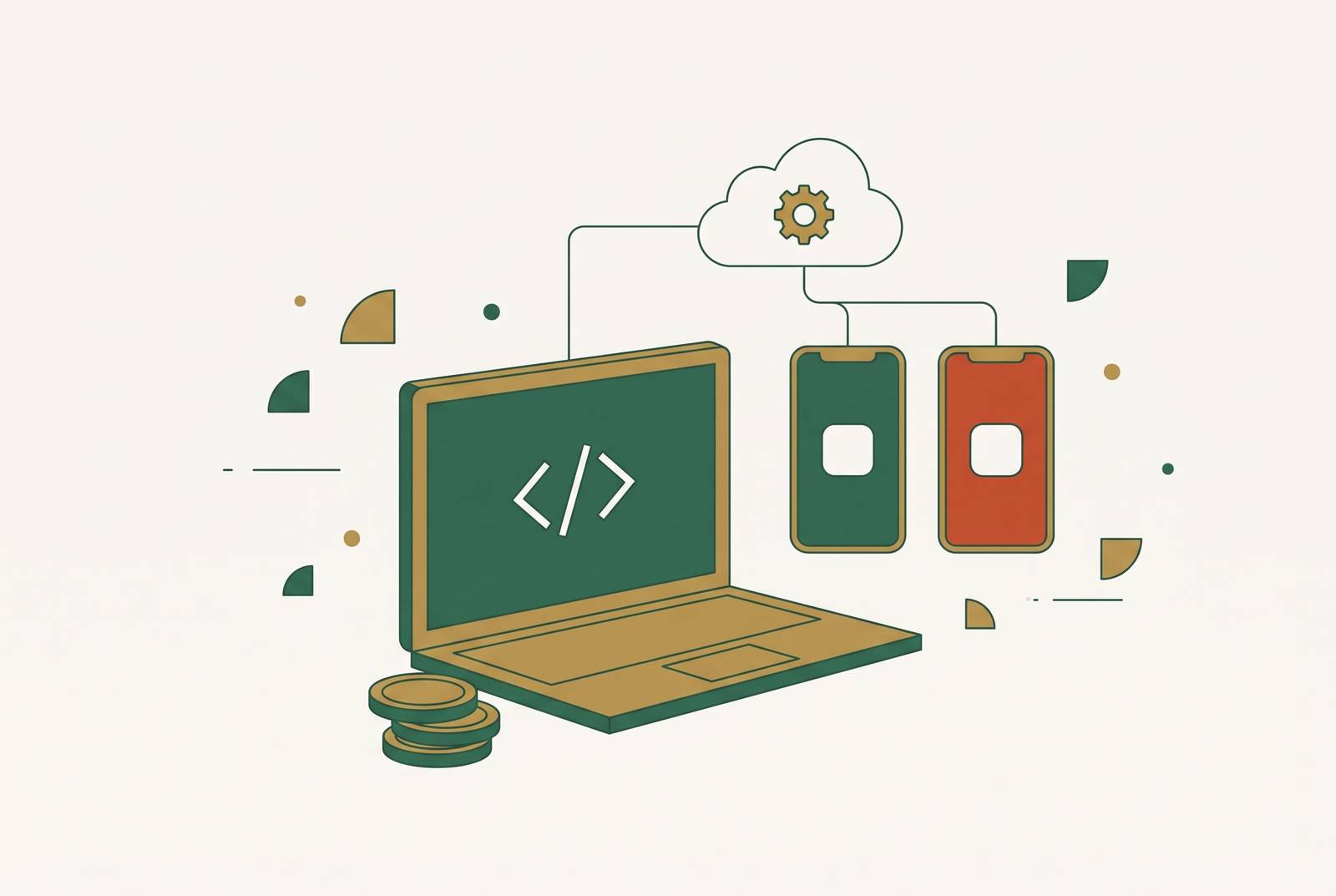
You can publish an AI-built iOS and Android app to the App Store and Google Play from Windows or Linux without owning a Mac or installing Xcode. Cloud services do the build work that needs a Mac, and managed submission tools send the app to the stores. The deciding factors are the app’s framework, signing setup, and build service, regardless of who owns the hardware.
Why shipping to both stores without a Mac is now a toolchain problem
Most publishing work never needed a Mac. Developer account enrollment, store listing text, privacy details, screenshots, and the submit-for-review step all work in a browser. The hardware dependency sits in producing the iOS binary, which a cloud service can do on the builder’s behalf. Upload can also be delegated, so Windows and Linux remain workable places to develop and manage releases.
There is an important distinction around upload tools. Apple’s Transporter app is macOS-only, but Apple’s Transporter documentation also describes command-line upload support on Windows and Linux. Expo offers another route through EAS Submit. An .ipa file therefore does not force its owner to buy a Mac, though producing that file and submitting it remain separate jobs.
Installing macOS on non-Apple hardware breaks Apple’s licence terms, while renting an older Mac does not solve toolchain compatibility. macOS Monterey cannot run Xcode 26. Tutorials or CI configurations written before April 2026 may describe a path that no longer clears submission, so the first filter is whether the service supports Xcode 26 and the required iOS SDK.
The fixed costs every no-Mac path shares before tooling enters the picture
Store accounts are the fixed starting point. Apple Developer Program membership costs $99 a year, and Google Play Console charges a one-time registration fee. The builder must use their own credentials to ship the app to both stores. Cloud tooling reduces the cost of buying hardware or paying someone to handle the release while leaving account charges unchanged.
Apple submission also has prerequisites beyond the fee. The app must be finished and tested, without placeholder content, crashes, or broken flows. Every submission needs a privacy policy URL, but a one-page hosted document that says what data the app collects is enough for a simple app. Build minutes, over-the-air update charges, and platform subscriptions then sit above that shared floor. Those variable charges, rather than account fees, determine how sharply one route’s budget diverges from another.
How framework choice determines which no-Mac build routes are even available
Native Swift and Kotlin provide full first-party API access, but require separate platform codebases or a transpilation layer. React Native and Flutter share a UI codebase written in JavaScript or TypeScript, or Dart, with native modules or platform channels for device features. Flutter renders through its own runtime independently of SwiftUI or UIKit.
A hybrid shell is a different product again. Capacitor and Ionic share a web application and reach native APIs through plugins, making them relevant to teams with an existing web app. A Progressive Web App can use only what browser APIs allow on each platform. It does not provide the App Store and Google Play presence this publishing plan requires. Calling all four approaches “native” hides differences that affect both runtime behavior and review risk.
React Native projects can use Expo’s managed build path, while Capacitor has no official EAS Build guide and instead points toward services such as Capgo Cloud Build, rented Macs, or macOS CI runners. Capacitor’s custom capacitor:// scheme on iOS also creates compatibility problems for Supabase authentication, OAuth redirects, and SDKs expecting an HTTP origin.
Skip takes a separate, Swift-first route to shared code. It uses Swift and SwiftUI for native iOS output and produces Jetpack Compose for Android, without an added runtime or bridge. The iOS app has no runtime dependency on Skip, so dropping the tool does not require rewriting the iOS code. Existing skills and the hardest device requirement should guide framework choice. Prototyping camera output, Bluetooth recovery, or background uploads first exposes gaps that a plugin listing cannot settle.
The six routes that remove the Mac from the iOS build and upload steps
Expo EAS is the React Native route. Expo owns the build servers, and EAS CLI can generate distribution certificates and provisioning profiles after the builder signs into an Apple Developer Program account. EAS Submit handles upload from Windows, Linux, or macOS through eas submit --platform ios. This separates local development from both hosted compilation and submission, without requiring the builder to operate a remote Mac.
Expo’s free plan includes a limited number of monthly Android and iOS builds and an active-user allowance for over-the-air updates. Its Starter plan adds a monthly fee and a higher allowance, with overages for updated users and bandwidth. Free builds may wait 90+ minutes when the service is busy. With enough users, updates can cost more than builds because monthly active users are counted once per billing period, no matter how often they get updates.
FlutterFlow is the visual Flutter route. FlutterFlow Basic includes cloud publishing, so the builder works in the visual tool while its service handles the build and upload work. FlutterFlow produces a Flutter-rendered app for both stores in place of native Swift output. Its subscription belongs in the tooling budget above developer account fees. Exportable Dart and Flutter code provides an exit from the visual builder, but the hosted iOS toolchain still needs to meet current submission requirements.
Superapp is the managed Swift route for iPhone and iPad. Its service handles building and uploading without a local Mac and produces native Swift output. The limit is explicit and substantial for this article’s buyer. Someone using Superapp for a two-store release needs another publishing route for the Android half.
A rented cloud Mac is the remote-machine route. The provider owns the hardware, while the builder takes on signing, build setup, and upload work. The builder pays for the rental on top of the account fees, and the machine must support Xcode 26. An inexpensive machine running incompatible macOS is not a usable saving.
A macOS CI runner is the scripted route. The runner supplies the Mac environment, while the builder configures compilation, signing, and submission steps. This is an available path for projects that do not fit a managed build service, including Capacitor projects. Setup is the main distinction from visual publishing. Producing an .ipa artifact is not the same as uploading it, so the workflow still needs a submission tool or service.
Nativize plus GitHub Actions is the web-to-Capacitor route. Nativize generates a standard Capacitor 8 native project into the builder’s GitHub repository, and its included Actions workflow produces installable iOS and Android artifacts. The builder owns the generated project. This route avoids starting the native project by hand, but does not remove Capacitor’s authentication and plugin constraints. Signing and store upload still require planning once artifacts are available.
Testing on a real device when the iOS Simulator is not available
The iOS Simulator is a macOS app, so a Windows or Linux builder needs a physical iPhone for pre-submission verification. EAS internal distribution uses ad hoc provisioning, whose profile names approved devices by UDID. A phone must be registered before the build is made. The setup uses eas device:create, followed by npx expo install expo-dev-client and an internal-distribution build.
TestFlight offers another way to test once Apple has processed the upload. It requires the paid Apple Developer account and makes the build available to registered testers. Android is less restrictive for local testing because emulators run on Windows and Linux, and physical devices can sideload APKs. The practical requirement is to keep an iPhone available and plan device registration ahead of builds. Android-only testing is insufficient preparation for an iOS submission.
Where the single-codebase promise breaks down at iOS scale
Shared code can shorten the road to launch. That advantage weakens as iOS revenue and platform-specific requirements grow, because compatibility with new OS releases and security patches still needs ongoing work. Widgets, Live Activities, and Watch apps need Swift code even when they are part of React Native or Flutter projects. The shared project then includes native modules with their own maintenance needs. A single repository does not mean a single platform workload.
The choice changes at a roughly 75–25 iOS revenue skew when the app needs widgets or system extensions. At that point, a builder should plan for a possible move to SwiftUI before the embedded Swift modules cost more to maintain than a move to native would cost. FlutterFlow’s Dart export also gives a founder a less disruptive option when the visual builder, rather than Flutter itself, becomes limiting. Beyond code portability, stitching Expo, Supabase, Stripe, push notifications, and analytics together creates another kind of maintenance burden.
What production-ready backend infrastructure a shipped mobile app actually needs, and where to get it without managing a stack
A running app needs authentication, a database, recurring tasks, email or push notifications, and eventually payments. Supabase can handle authentication and the database, with other providers doing the other jobs. Each service added has API keys, bills to pay, and its own ways of failing, so the founder’s workload grows with both the number of connections and the amount of app code.
AI App Factory illustrates the free-tier approach. Its self-taught full-stack engineer shipped three native apps to the App Store in one month after leaving full-time work, claiming negligible infrastructure costs through Supabase, Oracle Cloud, and Cloudflare free tiers. Automated submission ran through EAS Build. That example shows the approach is achievable, but its technical background is part of the explanation. Cheap infrastructure is not the same as infrastructure that requires no integration work.
The flowly.run founder said the launch was similarly quick because AI cut the time and design work needed to build alone. The productivity SaaS reached paying users within weeks, with a 14-day reverse trial, a free plan, and one Pro tier. For founders who do not want to maintain several vendor connections, an all-in-one managed infrastructure layer is the alternative recommended here.
A decision framework for choosing the right combination of framework, build service, and infrastructure
Existing code is the first decision point. For an existing web app and a non-technical builder, the proposed combination is Nativize plus GitHub Actions for artifacts, an Xcode 26-compatible rented Mac for signing, and an all-in-one MCP infrastructure layer for backend services. Capacitor’s login and plugin constraints still need testing. For a new app with some JavaScript experience, React Native plus EAS offers the cleanest managed no-Mac path. The free plan works for early builds if the builder can wait in queues, but Starter and OTA charges need another look as the number of users grows.
A visual workflow points toward FlutterFlow Basic and its built-in publishing. The exported Dart code should still offer a way out of the visual builder, and the hosted iOS output must meet current Xcode and SDK requirements. Swift-first work calls for a different distinction. Superapp serves iPhone and iPad but leaves Android unresolved, while Skip fits developers writing Swift who also want native Jetpack Compose output. If iOS revenue becomes dominant and system extensions become essential, the framework decision should be reopened.
Before paying, confirm Xcode 26 and compatible macOS support. Before the first EAS build, register the test devices. Before starting the App Store listing, get the privacy policy URL and set aside money for the $99 annual Apple fee plus Google Play’s one-time registration charge. Finally, treat iOS and Android as two release pipelines that share code. Each needs credentials, release checks, and an approval gate of its own.