MCP Connectors Reviewed for Solo Builders Who Never Leave Claude Desktop
Remote MCP connectors let solo builders extend Claude without installing anything locally.

To build something useful just by chatting in Claude Desktop, start with remote MCP connectors that need only a web address and sign-in. They let Claude work in your existing tools and produce boards, documents, and internal dashboards. A public app with accounts, payments, and persistent data needs managed infrastructure as well as those connectors.
What MCP connectors are and why the local-vs-remote distinction matters for solo builders
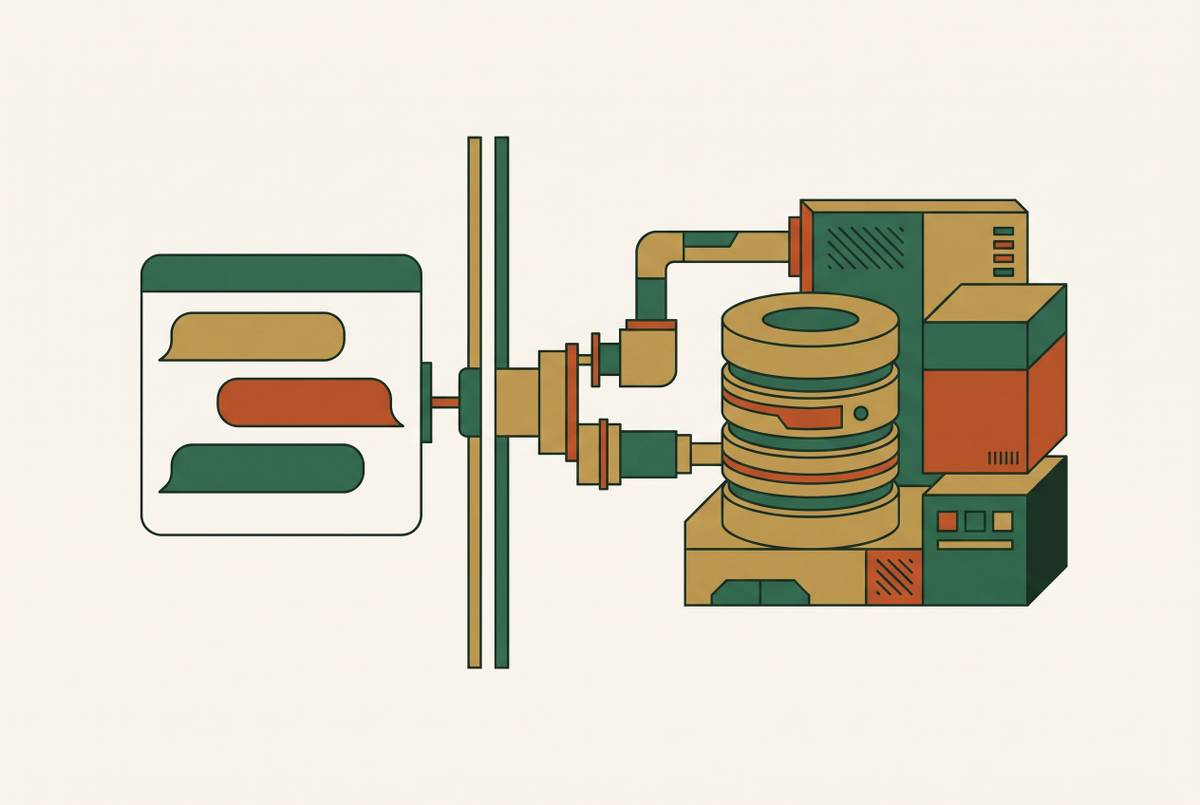
MCP, short for Model Context Protocol, is an open standard created by Anthropic that connects AI applications to outside tools and data. A service can build one MCP server for compatible AI applications to use. Inside Claude Desktop, however, “server” describes two different arrangements. One runs elsewhere, while the other runs on your computer. That distinction decides what you have to maintain.
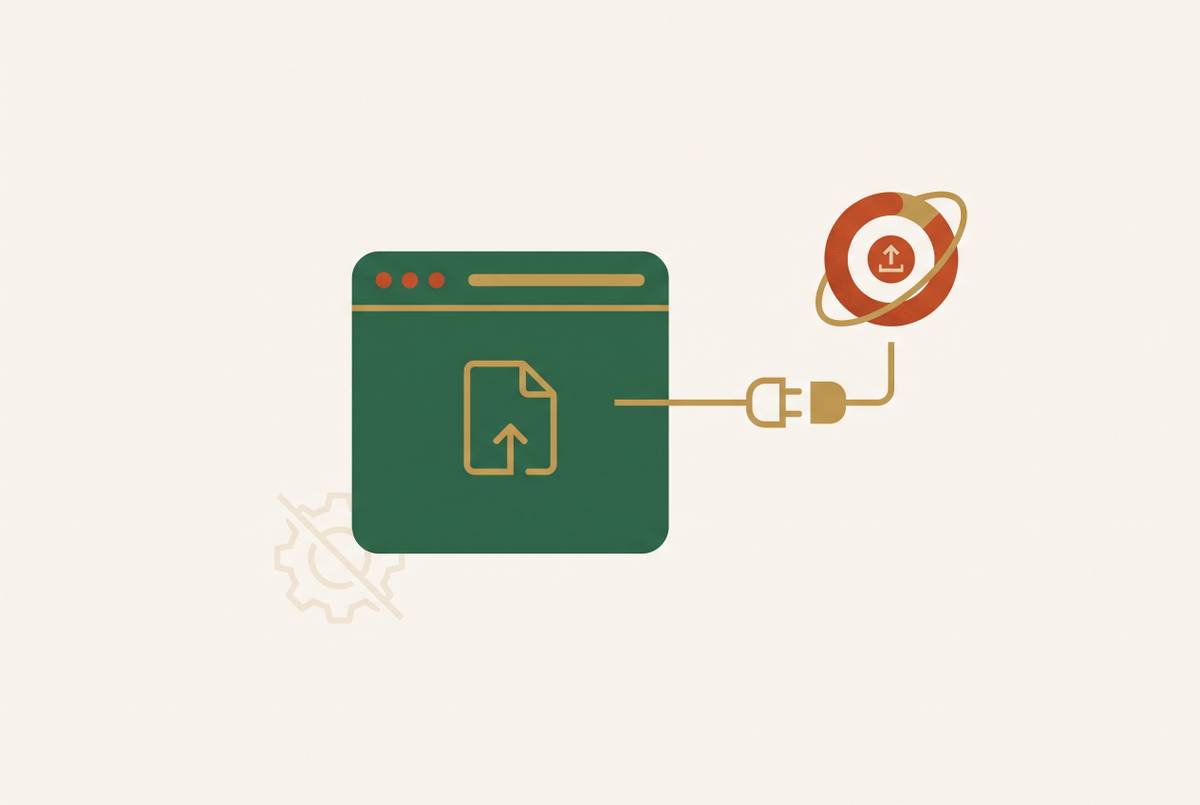
A remote connector is a web address you add and authorize through your Claude account. It then works on claude.ai, Claude Desktop, Cowork, and mobile. A local server is a program on your machine, usually configured through a file named claude_desktop_config.json. It uses your computer and local network, and is unavailable in Cowork or claude.ai. Claude’s support documentation explains that remote connections originate from Anthropic’s cloud infrastructure, so their destination must be reachable over the public internet.
Why local servers are the wrong starting point for non-technical solo builders
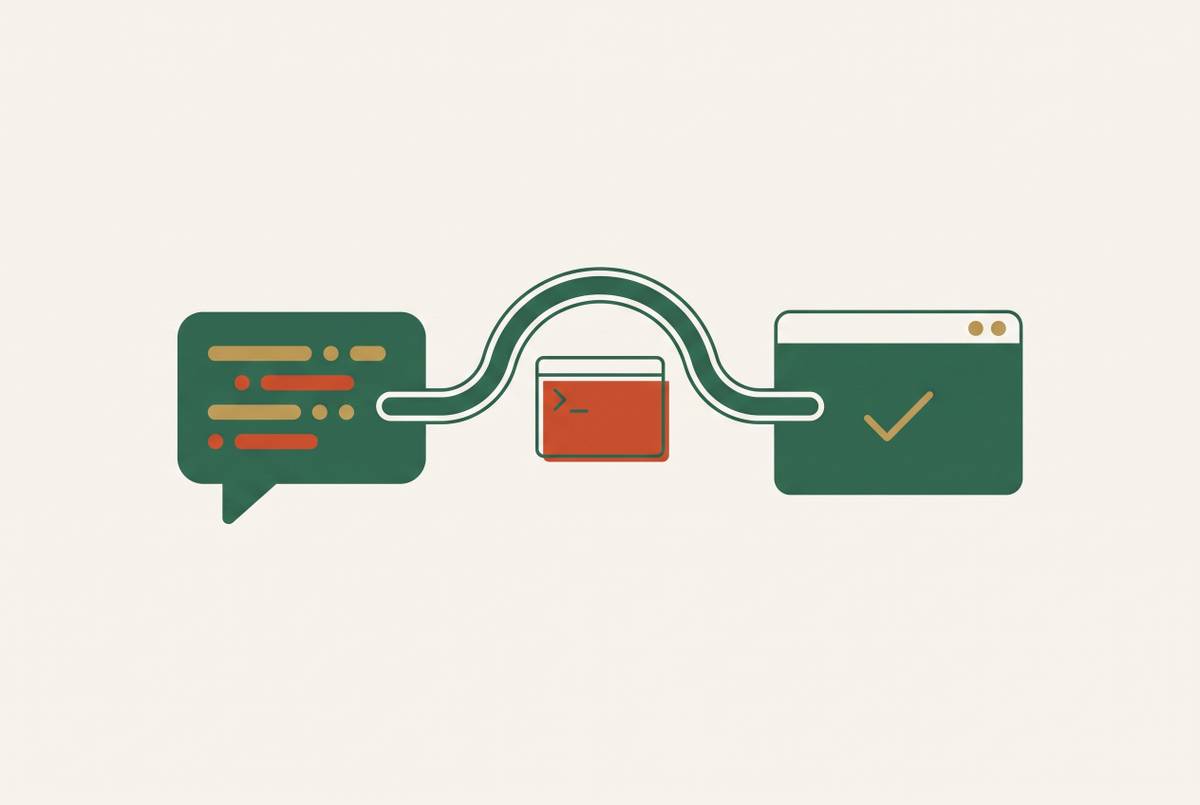
The official MCP documentation shows what it takes to set up a local server in its instructions for Filesystem Server. Before Claude can use the server, you install Node.js, open a terminal to check it, and manually edit a JSON configuration file at a system path. The paths in that file must be correctly escaped for your operating system. Then you fully quit and restart Claude Desktop. Developer settings are where you inspect whether the connection worked.
None of this is an unreasonable task for a developer. But it is the wrong starting point for someone who wants to work entirely through conversation. Desktop extensions that come as .mcpb files are easier to set up because Claude Desktop has a Node.js runtime for Node-based extensions. They still need you to open Settings, choose Extensions, and follow the permission prompts. The package must also come from the directory or a trusted custom source.
Local servers have genuine advantages, including access to private network resources and files that need not be hosted publicly. Those benefits can justify the setup for someone who needs them. They do not provide always-on infrastructure, though. A local server remains tied to one machine, and a restart interrupts availability unless the server process reloads. For a builder switching devices, that is a practical restriction.
How remote connectors work and what the 2026 specification changes for solo builders
With a remote connector, setup means connecting an account. To add one, open Customize, choose Connectors, click “+ Add,” and select “Add custom connector.” Paste the server’s URL, review the authentication settings Claude detects, and choose the supported sign-in method. That may be OAuth, an API key, or no sign-in. There is no terminal, JSON edit, or application restart.
The 2026-07-28 MCP specification made Streamable HTTP the recommended transport for new remote integrations and formally deprecated the older HTTP+SSE transport. The practical gain is simpler hosting and more reliable connections. Network access still imposes a boundary, however. A private corporate or VPN-protected resource will not work remotely without the access needed from Anthropic’s public IP ranges.
Once connected, the same service is available across Claude’s desktop, web, Cowork, and mobile surfaces without reconfiguration. Plan access is the next constraint to consider. Free accounts can add one custom connector, and Pro and Max can add more. On Team and Enterprise plans, an Owner must configure connectors before members can enable them individually.
What solo builders can actually do before spending anything, given the plan and pricing structure
Claude’s published plan structure gives Free users access to the full connector directory and one custom connector. Pro costs less per month when paid for a year than when paid month-to-month, and Team needs at least two seats. Connectors do not add a separate Claude charge. The underlying services are where costs accumulate, and a paid Claude plan does not remove their limits.
That leaves roughly 50 tool calls for testing. Miro’s free tier allows up to 100 MCP calls per day but only three editable boards. Its Starter tier is paid annually per member per month and offers higher allowances. It is possible to try the workflow for free, but Pro plus paid services takes a sizeable share of revenue when a business is just starting, so it makes the most sense for work that earns or is expected to earn money.
Connectors that work without any setup beyond pasting a URL — the remote-only shortlist
The remote shortlist uses one entry test. Each option must work without a terminal, config file, or Node.js installation. Vendor hosting and account authorization meet that test, though “paste a URL” still includes signing in and granting access. After setup, the useful comparison is what Claude produces and whether the service’s cost fits that job. Where no price is given here, remote access should not be read as free service access.
Zapier is the automation choice for reaching thousands of third-party apps and tens of thousands of actions through one OAuth-authorized connector. It connects services that lack dedicated MCP servers, including workflows linking Stripe and Mailchimp without code. The free allowance is enough to test that bridge. It remains a way of stitching existing tools together, but dynamic tool discovery, workspace-level access controls, and audit history give it more substance than a shortcut between login screens.
Notion is the direct choice when the output should be a document, wiki, or database. Its first-party connector is documented by the vendor and listed in Claude’s directory, with remote OAuth authorization and no local install. Claude writes into the workspace itself. That makes it a good fit for builders whose main problem is getting useful work out of the conversation and into a durable home. The underlying Notion service determines the cost.
Canva’s partner connector is built by Canva and listed in Claude’s directory. It uses an existing Canva account to grant access, with nothing to set up locally. Its output is a finished design that Claude can generate and export from the conversation. For a solo builder producing marketing assets without a designer, that is a clearer fit than a general automation bridge. The relevant service cost is Canva’s.
Figma also appears in Claude’s directory and uses OAuth authorization. It works remotely with nothing to install locally. Its place is in a design workflow. That distinction narrows its audience compared with a document connector or an automation bridge. The cost of its service goes in the design budget, and Claude has no separate connector charge.
Linear’s first-party connector has a documented, versioned, publicly listed endpoint and remote OAuth authorization. Its read-only endpoint is the useful distinction here. Claude can reference an issue backlog without being able to change it, making this a low-stakes starting point for project context. The cost comes from the service itself, and Claude charges no extra fee for the connection.
Miro suits builders who want Claude to populate boards. Its remote setup avoids the local installation burden. The free board limit is likely to be as important as its call allowance for someone managing separate projects. Starter allows more calls and bills each member once a year.
Storyflow offers a remote, OAuth-authorized connector added through a single URL. It turns Claude’s output into slide decks, task boards, shot cards, and mind maps on a shareable visual board, and can display the live board in clients supporting MCP Apps. Its server launched in October 2026, so it has no multi-year performance history. Builders who value tenure over output format should start with Notion or Linear. For campaign, launch, or client planning, its case rests on the board format, while the service cost remains separate from Claude’s connector access.
Granola’s first-party remote connector gives Claude access to meeting notes and action items. Its AI notepad records meetings without a bot joining the call. For founders doing many customer calls, the payoff is searchable meeting context without pasting transcripts into chat. This is an input connector more than a publishing tool. Whether its service is worth the cost depends on how often the builder uses that meeting context in their work.
Connectors that require local setup — when they are worth the effort and how to minimize the friction
The official Filesystem Server is worth considering when file manipulation is the work itself. It lets Claude read, write, move, and search local files, including creating documents and organizing folders. The MCP documentation says setup needs Node.js, JSON configuration by hand, and a full restart, and the reference servers say they are not production-ready. That is a poor detour for app building or service integration. For a file-centered workflow, the lesson is to scope allowed directories carefully because the server runs with the user’s account permissions.
Microsoft’s Playwright MCP has a different purpose. It works from a page’s accessibility tree rather than screenshots, giving browser automation a more reliable basis than vision-based approaches. It can help Claude check a live page, fill a form, or scrape structured content, but its local installation requires Node.js and configuration. Its power earns the setup only for a specific, recurring browser task.
For non-technical users who need either kind of local tool, desktop extensions are the better middle path when there is a package that fits. They avoid hand-editing JSON and can use Desktop’s built-in runtime for Node-based extensions. Directory availability or a trusted custom package is still required. They also run only on the machine where they were set up, so switching devices means setting up again.
How can a non-technical builder make something interactive inside Claude with MCP Apps?
MCP Apps are an official extension that lets tools return interactive dashboards, forms, and multi-step workflows inside the conversation. Support includes Claude on web and desktop, Goose, Visual Studio Code Insiders, and ChatGPT, and the extension is described as ready for production. For a solo builder, this makes a connector’s output something a person can operate directly.
A published Claude artifact can call remote MCP connectors when the page loads, giving it live data. This is available on Pro, Max, Team, and Enterprise, but not Free. Local servers work only while the artifact is being built. Published pages call remote connectors, which is another reason local setup is not the default for this audience.
Viewers who open an MCP-backed artifact without signing in see the page without its live sections. With qualifying plans and a remote data source, a builder can produce an internal revenue tracker or task view without external hosting. “Internal” is the important boundary. Public-facing apps with accounts, payments, and persistent data require infrastructure that connectors and artifacts alone do not supply.
Building a realistic connector stack and knowing when you have outgrown it
A realistic 2026 stack starts with repeated jobs. Claude Pro, billed annually, supplies access to multiple custom connectors. An automation connector such as Zapier, or a direct first-party connector, covers service access, while Notion or Linear provides a durable home for documents or project work. Miro or Storyflow fits when boards and visual planning are part of that work. The bill is the Claude plan plus the chosen services, with free allowances suitable only where usage fits.
The transition comes when workflow output becomes a product. A shareable board or internal dashboard is not an app with its own URL, authentication, persistent database, email notifications, and payment processing. Assembling hosting, database, auth, and email separately recreates the patchwork that the connector layer was never designed to solve. At that point, the appropriate addition is a managed infrastructure connector covering the backend, database, auth, hosting, and SEO from inside Claude Desktop.