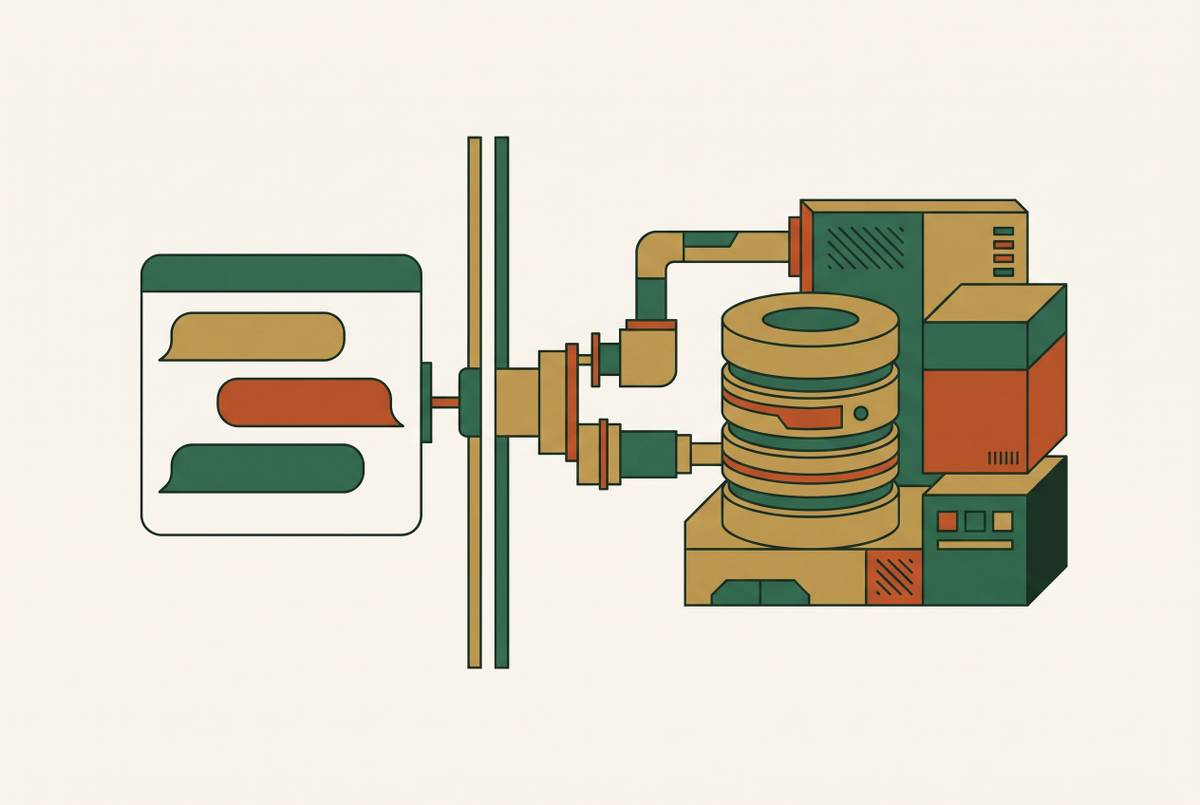
Publishing a Claude-Built App With Zero Hosting Configuration Using an MCP Connector
MCP connectors let Claude deploy apps live without separate hosting setup.
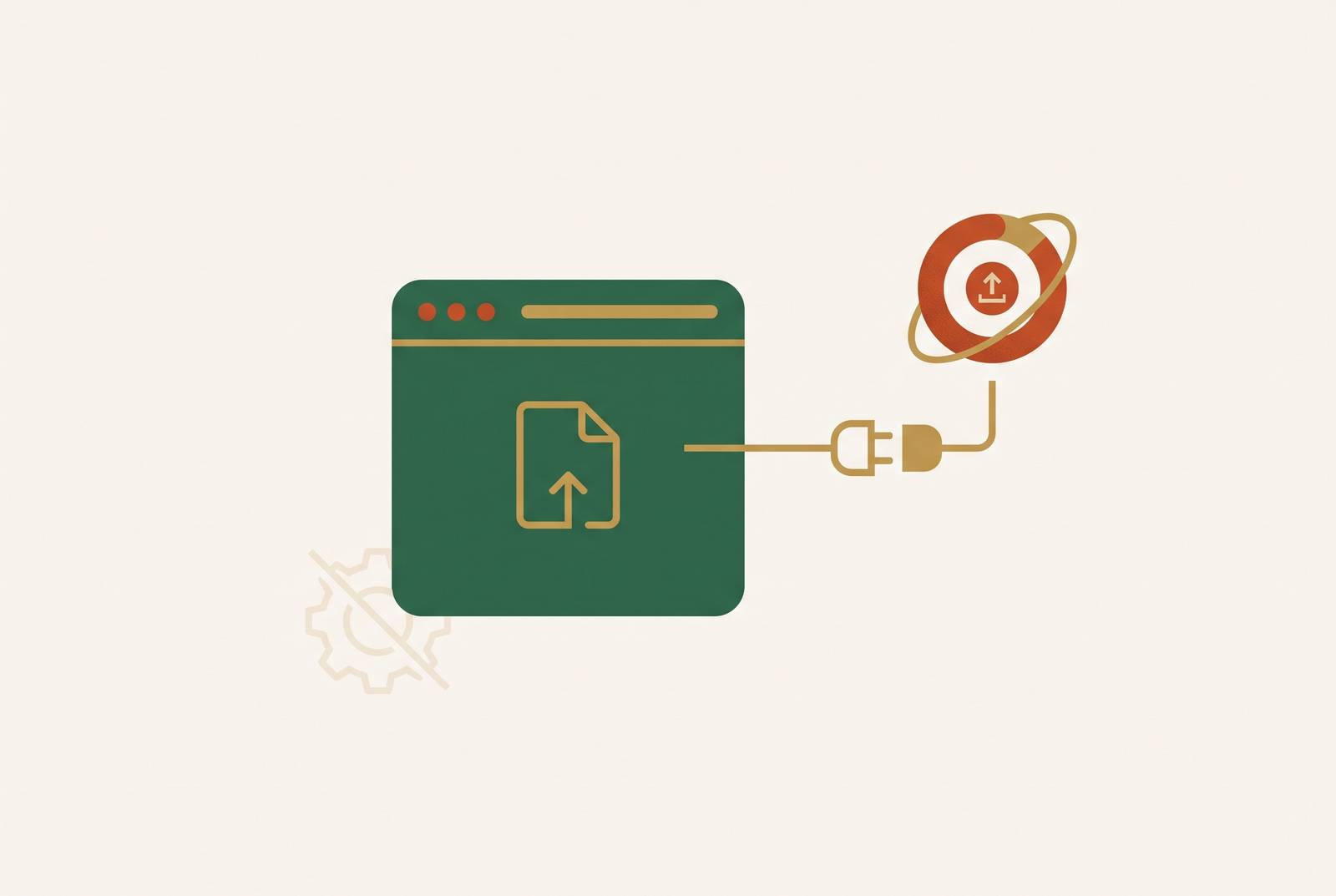
An MCP connector is a remote server that your AI tool connects to by URL. It gives the AI a set of actions, called tools, that it can run on your behalf during the conversation. When you build an app in Claude with a connector like Floot attached, hosting is not a step you take. It is an outcome that happens inside the same conversation, because the connector handles the entire infrastructure layer behind the scenes.
The connector runs on the vendor's own infrastructure. There is no server of yours to host, no process to keep running, no deployment target to configure. Static.app's MCP connector describes the pattern plainly: a hosted MCP server that your AI agent connects to, which gives the agent tools to publish, edit, read, and download websites. The AI calls the tools. The connector executes them against the vendor's infrastructure.
The MCP protocol documentation defines three capabilities a server can expose. Tools are functions the model calls. Resources are file-like data the client can read. Prompts are pre-written templates that help with specific tasks. For app publishing, the relevant one is tools: discrete, callable actions with defined inputs and outputs. A tool to write a file, a tool to run SQL, a tool to deploy. Each one does one thing, and Claude decides when to invoke which.
The practical effect is that your conversation gains a set of infrastructure abilities it did not have before. You can describe what you want built, and Claude can act on that description through the connector, rather than only generating code you would then need to run somewhere yourself. The tool calls happen inside the conversation. The results, including a working app, come back the same way.
Why hosting isn't a separate step when the connector handles infrastructure
The central claim of this workflow is simple: publishing is an outcome of the conversation, not a task appended to it. When a connector like Floot is added to Claude, backend logic, database storage, authentication, hosting, and a live shareable link are all handled by the connector's infrastructure layer. The user does none of that work. The app goes live inside the same conversation in which it was built.
The reason this works is how Claude orchestrates tool calls. Floot's connector exposes primitives: read and write files, run SQL, typecheck, deploy. Claude does the reasoning and writes the code. What Floot charges for is actions and hosting, not a second AI bill. The connector handles the same backend regardless of where you build: hosting, a managed Postgres database, authentication, serverless endpoints, and web publishing, included as standard. Custom domains are available on paid plans.
Contrast this with the alternative. Stitching together separate hosting, database, and auth services means the conversation ends and a configuration project begins. You sign up for a database provider, create credentials, wire them into your app. You set up hosting, configure a domain, deploy your build output. Each one has its own dashboard, its own billing, its own documentation. The connector collapses all of it into a single session.
The strongest objection to this framing is fair to raise. Does not Claude still need to call each tool explicitly? Is this not just a manual series of steps dressed up as automation? The answer is no. Claude orchestrates the tool calls when you ask in plain language. You describe what you want. The connector executes the infrastructure side automatically. You do not decide to call the file-writing tool and then the SQL tool and then the deploy tool. Claude decides, based on what you asked for.
That orchestration is the actual mechanism behind the "automatic" quality. It is not that hosting disappears as a concept. It is that hosting becomes a sequence of tool calls the model makes on your behalf, rather than a separate project you manage. The model knows what the app needs based on your request. The connector provides the actions that satisfy those needs. The result is a deployed app, produced in the same flow that built it.
How to add a connector to Claude and start building
The walkthrough starts before anything is built. To use Floot with Claude, you add it as a connector in Claude's settings and sign in to Floot via OAuth. After that, you can use the tools in every conversation without further configuration. That is the entire setup. There is no software to install and no terminal to open.
The connector is a remote MCP server added in one click from Claude's connector directory. Authentication follows the same pattern seen across the MCP connector ecosystem: add the server URL, supply credentials, and Claude connects to the live server. Floot's connector then gives Claude access to its infrastructure primitives from inside the conversation: file reads and writes, SQL, typechecking, and deployment.
Once connected, everything else open in the session is also available. Uploaded files, other connectors, previous conversation context. All of it is in scope as Claude builds. A Figma frame you have open can be incorporated without switching tools. Files you uploaded earlier can inform what gets built. The session becomes a working environment, not just a chat window. One detail worth noting for founders who expect to iterate heavily: failed actions do not count against the user's action quota. Trial and error is part of building something real, and a failed tool call is not billed as if it had succeeded.
How to describe your app to Claude and what happens inside the conversation
The user describes what they want in plain language. Claude calls the connector's tools in sequence to build it. The infrastructure-side steps, writing files, running SQL, deploying, happen as tool calls the user can observe. You do not manage them.
The prompt shape is concrete. Describe the app's purpose, the data it needs to store, and any functional requirements. Claude handles the rest by orchestrating tool calls against Floot's infrastructure. A bakery order tracker, for example, needs to store orders, accept new ones, and show a queue. Say that. The model works out what files to create, what database tables to set up, and what to deploy.
Static.app's documentation shows this flow in practice. A user says "zip the dist folder and publish it on Static.app as a new website called bakery." The agent then calls create_upload and create_site_from_archive, in that order. The user never touches a deployment config. The request is one sentence. The work that follows is a chain of tool calls chosen by the agent.
Tool calls are observable. The user can see what Claude is doing at each step: writing a file, creating a table, deploying. That visibility builds trust because you never have to execute anything yourself. You are not handed a black box. You are watching the steps happen, in order, with names you can read.
Iteration works the same way. "Change the price on the pricing page" or "add a user authentication screen" is another natural-language request. It triggers the appropriate tool calls. It is not a new deployment cycle. The same conversation continues, and the same app updates in place.
The live link: what gets deployed and what production-ready means here
What the conversation produces is not a preview or a prototype. It is a live app at its own URL, backed by a managed database, authentication, and serverless endpoints. That is infrastructure that would otherwise require separate services to configure and maintain. The app lives at a shareable link the moment deployment completes. No DNS configuration, no CDN setup, no separate hosting account to provision.
Floot's standard infrastructure layer includes a managed Postgres database, auth, serverless endpoints, custom domains, hosting, and web publishing. Mobile app conversion is available on every plan: free at two per month, Pro at twelve per month, and unlimited on Power 2. Google Play connectivity requires a paid plan. App store publishing still requires the builder's own Apple or Google developer accounts. That boundary is important to state plainly. The platform converts the app for mobile, but the store submission is yours.
Ongoing changes follow the same pattern. You iterate in conversation. Changes deploy. The same URL stays live. Your users keep visiting the same link while the app improves underneath them.
The distinction from hobbyist or free-tier tools is that the infrastructure is production-quality by default. It is not something you upgrade into later. The database is a managed Postgres instance from the start. Auth is there from the start. Serverless endpoints are there from the start. You are not building on a sandbox that stops working when you get real users.
The builder's remaining responsibilities are narrow but real. You can customize the domain beyond the default link, but the platform supports that step without fully automating it. Mobile app store submission requires developer accounts you supply. Those are the edges of what "zero configuration" covers.
What the connector cannot yet do, and where the current limits sit
The MCP connector model has genuine constraints that matter for certain builders. Understanding them upfront is more useful than discovering them after committing to the approach. Host compatibility is not yet universal. Some MCP connectors require the AI tool to send an API key in request headers, a capability that varies by host. Before you start, confirm that your AI tool of choice supports the connector's auth method. That is a five-minute check that saves a stalled afternoon.
Scheduled or event-triggered automation is a separate concern. The connector acts when Claude acts. A background job that fires on an external trigger, a daily email, a webhook handler that runs overnight, all need additional setup beyond what the connector handles in an open session. If your app needs work to happen without you in the conversation, plan for that separately.
For experienced developers, the toolset may feel constrained. That objection is accurate and also beside the point. The connector is optimized for founders who need a working product fast, not for engineers who want to configure their own stack. The platform's primitives are the building blocks. Complex, bespoke backend logic or deeply custom integrations mean working within those primitives, which is a real constraint for a small category of advanced use cases, not most founders' first app.
These limits are narrowing as the MCP protocol matures. The protocol documentation reflects how servers and hosts negotiate capabilities, and that is still changing. What requires a workaround today may be a standard feature next year.
Who this workflow is built for and when to use it
If you need a live, functional app quickly and do not want to manage infrastructure, the zero-config hosting flow via MCP connector is the right choice. It is the wrong choice for engineers who want to control their own stack. That line is the decision framework.
The ideal user is a business-owner builder who recognizes the infrastructure value, is ready to pay for reliability, and wants to ship a real product without hiring developers or assembling external services. The workflow suits first versions of a product that need to be in front of users fast. It suits internal tools where the builder is also the user. It suits apps where the core value is the idea rather than the technical implementation.
What distinguishes this from no-code tools the founder may have already tried is that the infrastructure is included by default and production-quality. It is not a free tier with a quota cliff waiting at scale. The database is real. The hosting is real. The auth is real. You are not building on a platform that will ask you to upgrade before your app can grow.
The cost structure is transparent. The builder brings their own Claude or ChatGPT subscription. Floot charges for actions and hosting, not for AI tokens marked up with a hidden multiplier. That means the monthly cost is predictable in a way that usage-based pricing with per-token markups is not. You know what you pay for infrastructure, and you already pay for your AI subscription.
The practical starting point is one sentence: add the Floot connector to Claude, describe your app, and let the conversation produce the live link. The infrastructure question is answered before the first user visits. If you need a working product this week and you do not want to learn what a reverse proxy is, this is the path. If you care about configuring your own database connection pool, it is not. Both are legitimate. They are just different jobs.
Sources
- Build an MCP server - Model Context Protocol
- Floot vs Bolt: Which AI App Builder Is Better in 2026?
- Connect to remote MCP Servers - Model Context Protocol
- Floot - Claude
- Get started with custom connectors using remote MCP
- Floot Connector — Build from Claude & ChatGPT/Codex - Floot
- Floot Documentation — Build websites and apps with AI - Floot