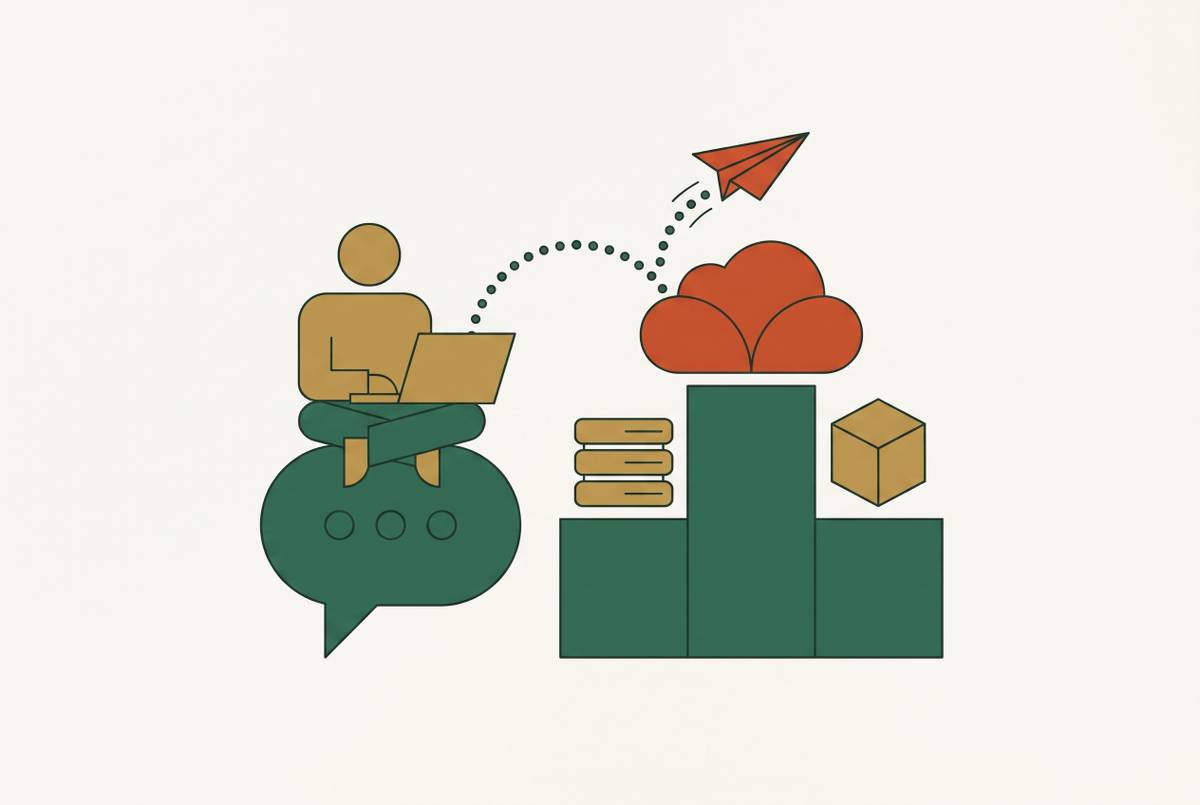
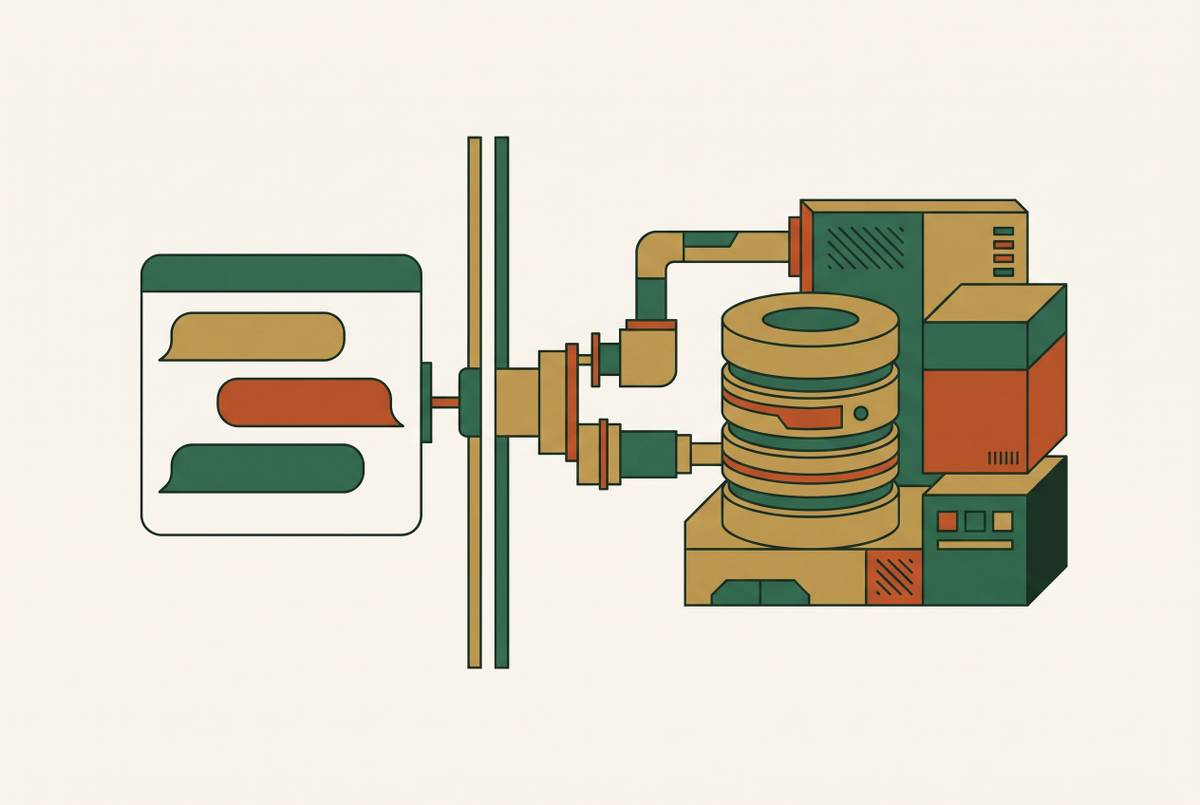
Build and Publish a Real App From a Claude Conversation Using an MCP Connector
Claude's MCP connector turns app descriptions into deployed products without touching the terminal.
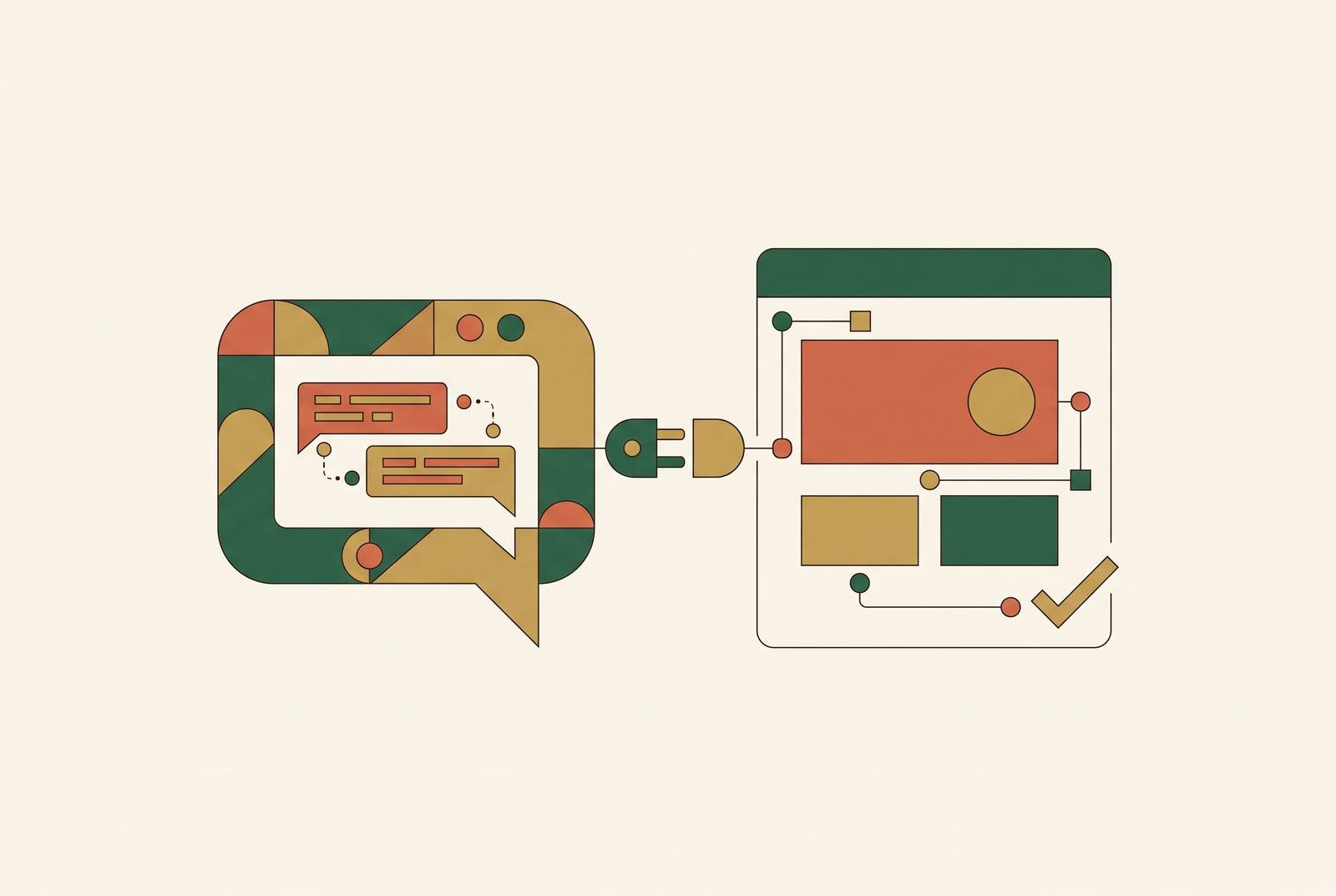
Claude can already write working application code from a plain-language description. That part of the problem is solved. What stalls most people is wiring that code to a database, hosting it somewhere, setting up logins, and getting a public URL out the other end, steps that have traditionally meant opening a terminal, building a deployment pipeline, and knowing enough about cloud infrastructure to configure it correctly.
Picture a bakery owner who wants a simple order system: customers submit requests, she marks them done. She can describe that app to Claude in one sentence and get back a folder of code that does what she asked. Then she's stuck, because a folder of code is not a product. It has no database attached, no way for a customer to reach it, no server. She doesn't need help describing her app. She needs someone to plug it into the internet, and that step has nothing to do with the bakery.
An MCP connector closes that exact gap. The rest of this piece walks through how.
MCP for builders
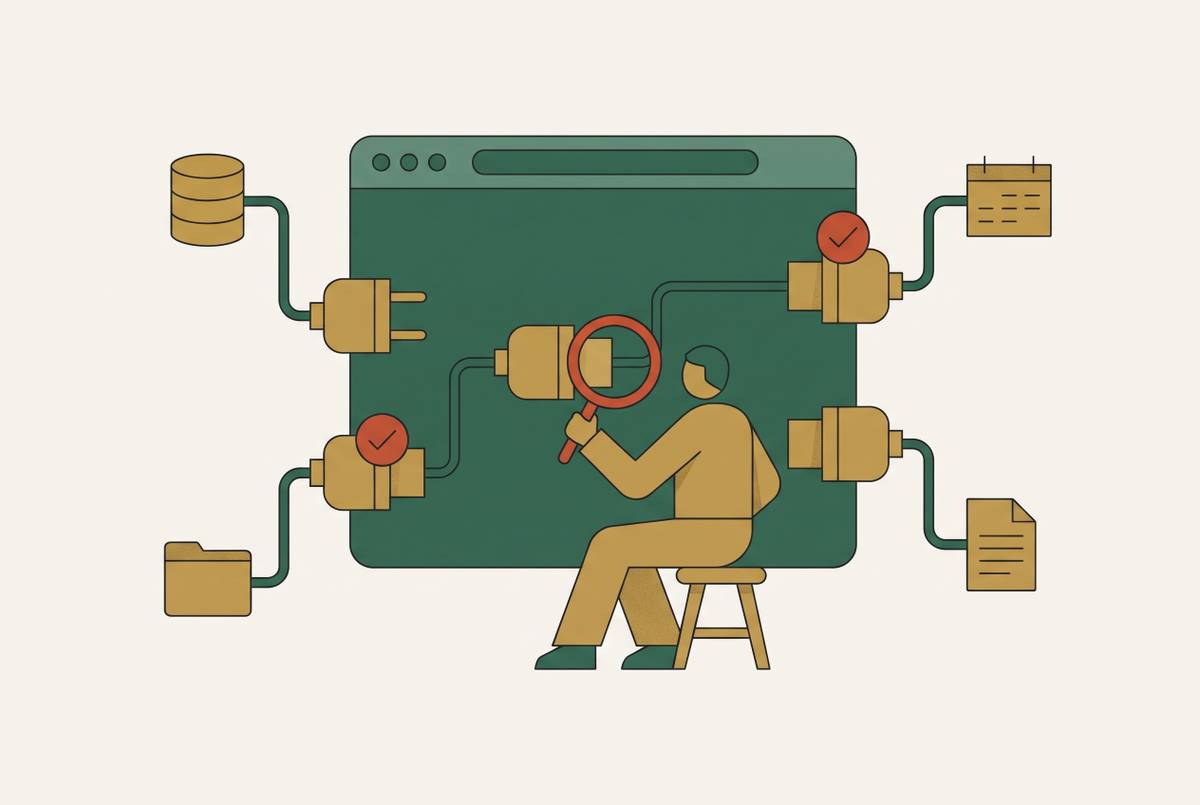
Model Context Protocol is an open standard that lets an AI assistant reach outside the chat window and act on real tools and services. Anthropic has described it as a USB-C port for language models: one universal connector that any compatible tool can plug into, instead of a different adapter for every service.
An MCP server, the thing on the other end of that connector, can hand Claude three kinds of capability. It can give Claude tools to call, like creating a record, publishing a page, or sending an email. It can give Claude resources to read, like a row in a database, a file, or a live web address. And it can give Claude reusable prompts that shape how it reasons through a particular kind of task.
MCP is what lets Claude stop being confined to the conversation and start taking action in the outside world. As of September 25, 2026, the Claude Connectors catalog lists a large and growing number of MCP integrations, covering everything from databases and cloud infrastructure to payments, email, and mobile publishing. The protocol is the plumbing. What it makes possible for someone trying to build an app is the point.
From conversation to deployed app
Attach an MCP connector that includes a full app-building workspace, and the conversation with Claude becomes a place where a product gets built and shipped, not just where code gets written. No terminal, no git, no separate accounts to open before anything happens.
Go back to the bakery owner. She types into Claude: "I want an order book for my bakery where customers can place requests and I can mark them done". The connector takes that description and builds the app inside a workspace that already has a database, user accounts, and hosting attached to it. Claude hands back a live URL. The app is already published, already reachable by anyone with the link.
The conversation doesn't stop there. She keeps talking to it the same way she'd talk to a person helping her: "make the headline bigger," "add a payment step before the order goes through," "send a confirmation email when someone places an order." Each of those requests becomes a live change to the app that's already running.
None of this touches her own computer. Nothing installs locally. The actual thinking, the AI inference, runs on whichever Claude or ChatGPT subscription she's already paying for. The connector itself talks to Claude over the standard remote MCP protocol (Streamable HTTP with OAuth handling the authentication underneath), which is worth knowing exists but never something a builder configures by hand. What matters is that this standard is not tied to one interface. It works across Claude.ai, Claude Desktop, and a range of other hosts that support remote MCP servers, and the broader connector ecosystem cataloged on the awesome-claude-connectors GitHub repository already spans 30 categories of tools.
The infrastructure the connector provides without the builder touching it
Every builder coming into this has the same silent list of worries. What happens when the database needs to scale. Who handles login security. What happens to search rankings if the app is built by an AI. Each of those gets answered before the question fully forms.
A production app needs backend logic, a database, authentication, hosting, scheduled tasks, email, search visibility, and infrastructure that doesn't fall over under load. A properly built MCP-connected workspace includes all of it from the start, rather than requiring the builder to go find and configure each piece separately. Data storage and the relationships between records get provisioned automatically from a plain description of what needs to be stored, and when something breaks at runtime, a self-correcting mechanism catches and fixes the error without the builder ever seeing a stack trace or filing a bug report.
Login and account management raise the next worry: is this safe. Sign-up, login, and session handling are built into the workspace by default. Integrations authenticate through OAuth 2.1, and credentials never pass through the client, so nothing sensitive sits exposed in the app itself.
Hosting answers the worry about servers and traffic. The app publishes to a shareable link the moment it's built, with auto-scaling and fast worldwide loading included, so the builder never picks a server region or provisions capacity by hand. Backups and secure connections run by default underneath that.
Then there's the worry that rarely gets named until it's too late: whether anyone will ever find the app through a search engine. Most AI-generated single-page apps ship blank to Googlebot, because server-side rendering isn't standard in most builders, and a search crawler sees an empty page where a human sees a working site. A production-ready workspace handles this by including server-side rendering and pre-rendering, generating a sitemap and a robots.txt file, setting canonical URLs, building out meta and social preview tags, and wiring in analytics from the start. For anything public-facing, a directory, a marketplace, a landing page, a content site trying to earn organic traffic, that infrastructure decides whether the app is findable at all.
The last worry is distribution beyond the browser. As of version 2.1.0, released September 21, 2026, publishing from chat extends to iOS and Android, so a single project can ship to the web, the App Store, and Google Play without the builder ever leaving the conversation. She signs into her Apple or Google Play developer account once, and every release after that happens inside the same chat. That closes one of the last gaps that used to separate simple web builders from real native app distribution.
The case against assembling a tool stack yourself
The strongest objection to all of this comes from someone who already knows the space: why not just wire together the best tool for each job yourself. Solo founders use that approach successfully, and it deserves to be named honestly rather than waved off.
Solo founders with confirmed revenue have shipped real products on a stitched-together stack: a dedicated build tool for the app itself, Supabase for data and authentication, Lemon Squeezy for payments, Plausible for analytics, and Resend for email, with a combined monthly cost under $20 before a single customer pays anything. That's a legitimate, low-cost path, and plenty of working products run on exactly this combination.
What it costs isn't measured in dollars, though. Each of those five tools comes with its own account, its own settings, and its own mental model for how it talks to the others. After the app itself is built, someone still has to wire git to a deployment service, connect a database host, plug in an email provider, and get a notification system talking to all of it, and that wiring is real work, not a formality. An all-in-one workspace removes that setup time and the cognitive overhead of managing five separate vendor relationships at once, and that overhead has a real cost in time, in context-switching between five different dashboards, and in launches that slip because of it.
That doesn't make the all-in-one right for everyone. Teams with white-glove compliance requirements, complex multi-tenant SaaS operating at real scale, or engineers who do their best work in a local IDE have good reasons to reach for something else, and those cases deserve to be named rather than argued around.
Payments, integrations, and automation inside the same conversation
An app that can't take a payment, send a notification, or talk to an outside service is a demo, not a business. The same connector model that provisions a database and hosting extends to exactly these integrations, and none of it requires stepping outside the conversation.
Take payments. A builder can describe a monthly subscription charge or a one-time deposit in plain language, and Stripe handles the credit card processing behind it. Authentication for these integrations runs through OAuth 2.0, so payment credentials never pass through the client-side app itself. The bakery owner who wanted a payment step before an order confirms doesn't need to know anything about Stripe's payment processing. She describes what she wants charged and when, and the connector handles the rest.
The same pattern covers the operational work that keeps a live app running without someone watching it constantly. Transactional and recurring email notifications, like the order confirmation she asked for earlier, are built into the platform without a separate email provider to configure. Recurring tasks can be scheduled inside the same workspace the app was built in. And when something breaks, error monitoring and self-correction run automatically in the background, so the builder isn't the one who finds out something failed by hearing from an angry customer.
The point to hold onto here isn't that a list of integrations exists somewhere in a settings menu. A founder can describe a business requirement in ordinary language, "charge a monthly fee, send a receipt," and have it work the same way the app itself got built: through conversation, not configuration.
MCP connector pricing
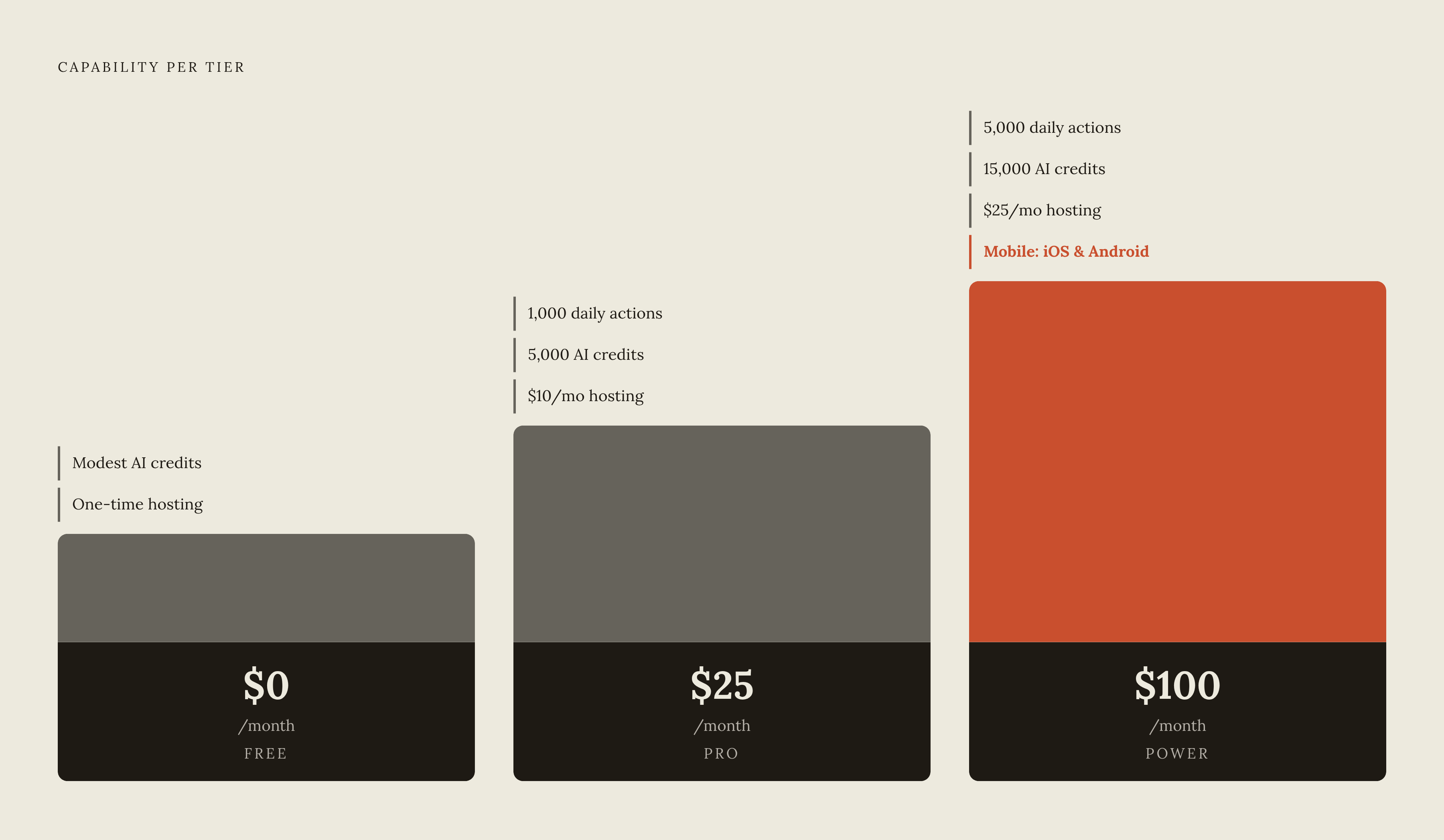
The MCP connector model splits the bill into two separate things that never get confused with each other: the cost of the AI doing the thinking, and the cost of the infrastructure running the app. The builder pays their existing Claude or ChatGPT subscription for the first, and a flat platform fee for the second, so neither one turns into a surprise.
Pricing as of August 2026 broke down into tiers. A free tier at $0 a month includes a modest allowance of AI credits along with a small one-time hosting allowance, enough to test a first project before committing to anything. A Pro tier at $25 a month includes 1,000 daily actions, 5,000 AI credits, and $10 of monthly hosting. A Power tier at $100 a month includes 5,000 daily actions, 15,000 AI credits, $25 of monthly hosting, and mobile publishing to iOS and Android.
The structural advantage sits in how predictable that bill stays. A founder running a real, active build session on a flat monthly plan can look at a number in advance and know what the month will cost. A pay-per-token pricing model, by contrast, makes an intensive build session almost impossible to price ahead of time, because the bill depends entirely on how much back-and-forth the build required.
MCP connector app-building in the broader 2026 landscape
This pattern is not confined to small, scrappy builders: it's being adopted at every scale of the software industry at once, from a single founder shipping a bakery order app to enterprise platforms, and that simultaneous adoption signals that MCP is structural rather than a trend.
Claude and other AI assistants can now write functional application code from a plain-language description, and OAuth 2.0 handles authentication for these integrations without sharing credentials with the client. It's a shared standard that the wider industry is building around.
Practitioner interest backs that up. The MCP Dev Summit North America, held in New York City in April 2026, drew roughly 1,200 attendees, a real number of people whose jobs depend on this protocol working reliably. At the enterprise end, Workato launched an Enterprise MCP platform in 2025 that lets AI agents from Claude and ChatGPT act on enterprise applications under formal governance and security controls, the same connector-to-managed-backend pattern described earlier in this piece, running at a much larger scale.
None of this solves the problem that comes after launch. The barriers to building software have fallen a long way, but the barriers to getting attention for what gets built have not moved nearly as much. Shipping fast still leaves a founder needing a plan for finding customers. What it does is buy a founder more time to find product-market fit, because a live app in front of real users teaches far more, far faster, than a perfect app that never launched. That's the case for building in conversation instead of building alone: not that it guarantees success, but that it gets a real product in front of real people while there's still time to change course.
Sources
- GitHub - rdmgator12/awesome-claude-connectors: A comprehensive directory of Anthropic's Claude Connectors catalog: 2,982 MCP integrations across both catalog surfaces (curated web directory + in-app catalog incl. community and desktop-extension connectors), plus 39 held pending vendor verification, with per-entry descriptions and use cases. · GitHub
- How to Build a Claude Connector: MCP Server Tutorial (2026) — Adspirer Blog
- Floot MCP: Build and ship web and mobile apps inside Claude or ChatGPT | ChatGate