From AI Chat to App Store Listing When You Built Everything Without a Mac
Build your iOS app without a Mac by choosing the right output format first.
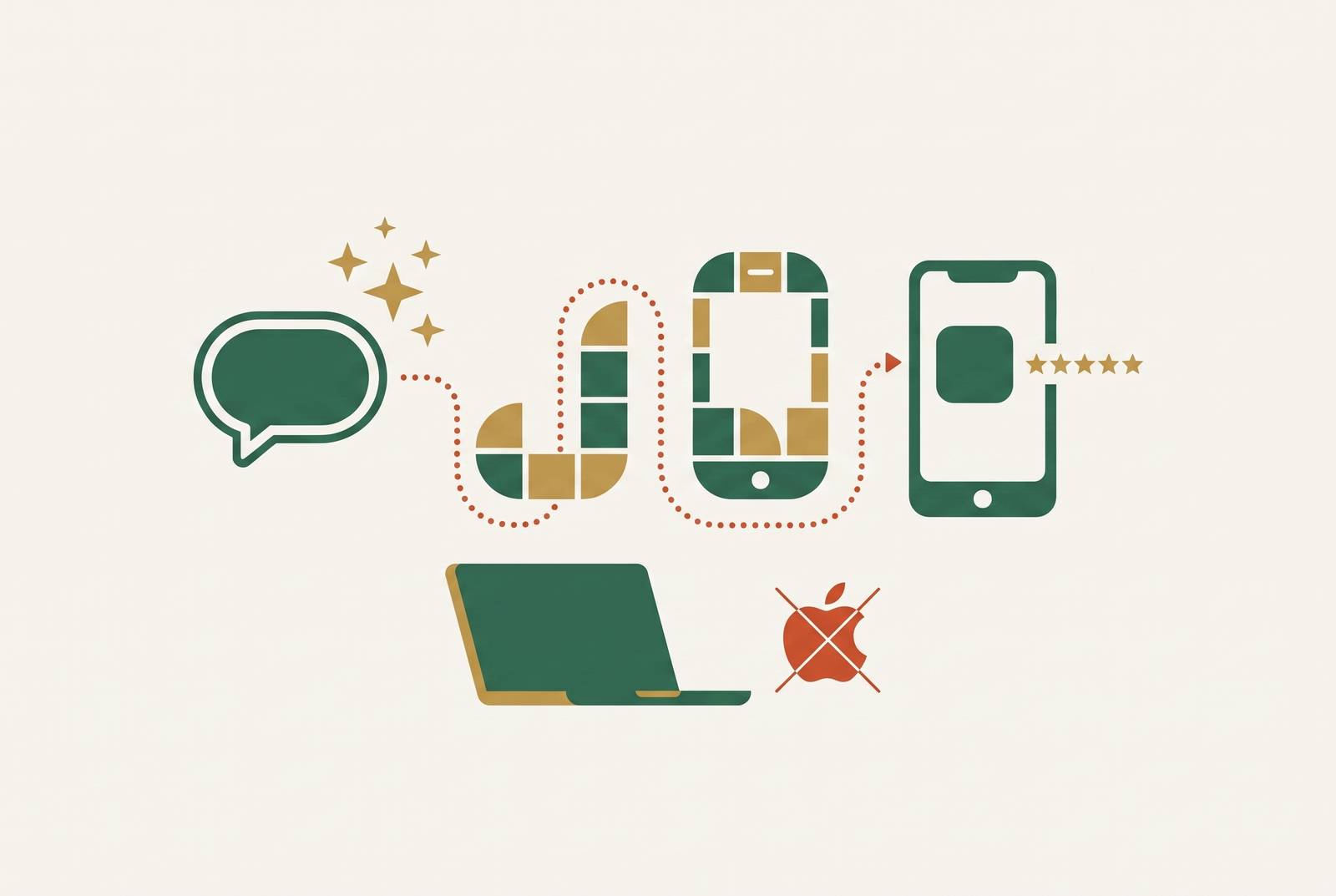
You can publish an AI-built app without owning a Mac, installing Xcode, or writing code by using a browser-based builder with cloud compilation and submission support. For an app on both iOS and Android, the output must work with both stores. The decisive step is having authentication, storage, and payments that work, along with submission assets, before Apple reviews the app.
How can non-technical founders reach the App Store without a Mac or a developer?
Even two years ago, the route felt tied to Xcode on a Mac, provisioning profiles, certificates, and someone who knew how to manage them. In 2026, much of that friction sits inside the tool. AI builders generate code, compile it in the cloud, and support App Store submission from a Windows PC, Chromebook, or phone. The founder no longer has to operate every part of that machinery.
That changes access to software development. Tens of thousands of App Store apps were built without their creators writing code, but the platforms still produce it. Someone still has to turn a generated project into a functioning product. The tools are increasingly priced for a single founder rather than an engineering team, which makes that work accessible without making it automatic.
What the AI actually outputs, and why that determines everything downstream
The first decision is the output format. A builder can produce native Swift, a cross-platform app, or a web app that another service packages for the store. The choice shapes how the app feels, which stores it can reach, and what review risks remain after the builder finishes.
Native Swift compiles for Apple devices, including iPhone, iPad, Apple Watch, and Mac. It produces the kind of app Apple’s review process is designed around and the experience users expect from an iPhone app. That makes it the cleanest structural fit for an Apple-focused product. It still does not build for Android.
Cross-platform frameworks, including React Native and Flutter, build for iOS and Android from one codebase. They offer a credible middle path when both stores are part of the plan, although they are not native Swift. A web-wrapper route instead packages a web project as an IPA file for iOS. It can be the fastest route to a package, but it brings the highest review risk under Apple’s rule against apps that amount to a website in a wrapper.
More prompting cannot erase that distinction after the fact. Making a web app’s screens better does not turn its output into native Swift or add the missing step that packages it for mobile. Choose the output before choosing the builder. Otherwise, weeks of iteration can improve the wrong kind of product for the intended destination.
The tools that actually cover the full Mac-free path and where each stops
Only a small number of builders cover the whole route from a prompt to App Store submission without a Mac. Even among them, the handoff differs. A tool may generate the app, prepare its package, handle signing, or submit it, without doing all four. Builders should therefore be compared on their output, infrastructure, and submission support, with less weight given to how good the first generated screen looks.
Superapp builds in native Swift and handles App Store submission in the browser. It also generates the required submission assets. For an Apple-focused founder, that joins the native-output route to the publishing step without requiring a local Mac. Its output is structurally what Apple expects, but that is not a promise that every generated product will pass review.
In the fastest path described here to an IPA, Base44 generates the interface, database, and logic from plain English, while Despia packages the web project into an IPA and handles signing and certificates. The trade-off is that packaging does not remove the web-wrapper review risk.
Thunkable addresses an important part of the production gap. It supports email, Google, and Apple sign-in, connects a free Supabase account for a cloud database, and offers in-app purchases and subscriptions. These features do work that an app with a polished interface may still lack. They should not be confused with proof of a particular output format or a fully documented submission path to both stores.
A founder who wants an app on iOS and Android needs cross-platform output. The capabilities described here do not establish one named tool as a complete, account-only route to both stores. Evidence of browser-based App Store submission is not, by itself, evidence of Google Play support.
The two Apple review problems that most “no-code to App Store” guides conflate
Apple’s wrapper rule and its runtime-code rule address different problems. Guideline 4.2 requires an app to offer enough beyond a website packaged for the store. A wrapper can therefore reach submission with its signing and certificates in order and still face rejection. Producing an IPA completes the packaging needed for submission.
Guideline 2.5.2 concerns apps that download, install, or execute code that introduces or changes features after review. A vibe-coding platform operating inside a host app can run into that rule because the reviewed app can become something different later. This is not the same objection as “just a website in a wrapper.” A founder who treats the two as one cannot judge the risk accurately.
Apple has said its enforcement targets changes in app behaviour after review. Its OpenAI and Anthropic integrations in Xcode also show that AI-assisted development is not itself the dividing line. The distinction is between AI helping create code and an app using runtime code execution to bypass review. Developers behind Anything have publicly challenged Apple’s approach after two App Store removals, and that dispute remains unresolved.
Native Swift clears the structural path most cleanly, but it is not immunity from rejection. Generated apps can expose API keys in client-side code, omit authentication checks, or store sensitive data without encryption. These are separate defects from either guideline problem. The infrastructure choices made before submission are therefore central to whether the finished app passes, even when its output format is a good fit.
What infrastructure must be in place before Apple will accept the submission
The founder’s pre-submission check should start with a functioning product. Apple reviews more than code quality. A login screen, a payment button, and a page that displays sample data are not substitutes for working services behind them. Knowing what the app needs before submission lowers the risk of learning what is missing through rejection.
Authentication needs a real login flow. Apple and Google sign-in are accepted options, and Thunkable also supports email authentication. Storage needs to be equally real. Data must persist and be retrievable, so a builder that leaves the database to the founder requires an external connection before that part of the product is ready.
Payments have their own requirements: for the in-app purchases and subscriptions described here, Apple’s system, StoreKit, is the required route. Stripe can handle web payments, but it is not a substitute for that iOS purchase setup. A founder with an existing web checkout therefore still has a separate mobile payment requirement to resolve.
The submission itself also needs a 1024×1024 PNG app icon, screenshots, and a complete App Store listing. Broken links, placeholder content, and advertised features that do not work can still lead to rejection. Superapp generates submission assets, while Thunkable supplies authentication options, a Supabase database connection, and purchase capabilities. These solve different parts of readiness, so the relevant question is which requirements the chosen path actually covers.
This is where most no-code pipelines stall. Walk through these requirements before hitting submit. Tool choice is only useful when it leads to a complete product.
The real cost of the Mac-free stack, from first prompt to live listing
The budget floor is far below a developer engagement, but the builder subscription is not the whole bill. Apple Developer Program membership costs $99/year and is needed to submit an app to the App Store. Google Play adds a small one-time registration fee if Android is also part of the plan. Those account costs remain regardless of how cheaply the app is generated.
Superapp has a free tier to start and a Pro plan at a low monthly rate. Free tiers in this category are for building and testing, while most tools put App Store publishing behind a paid plan. Some also reserve code export for higher tiers, so access to a working preview does not establish the cost of shipping or taking the code elsewhere.
AI builders can use up paid credits as they try to fix their own mistakes, and a fix can break something that worked before. That makes the first successful generation a poor measure of the full bill. The planning allowance in these notes is roughly double the headline price for real iterative work, rather than treating the advertised rate as the finished-project budget.
Once the app is ready for production, it may also need connections to the systems a business already uses. MCP, or Model Context Protocol, is an open-source standard for connecting AI applications to external data sources, tools, and workflows. A server can be built or installed once and made available to AI clients, rather than requiring a separate connection for each one. These connectors work within the AI tools the founder already uses, with no separate platform to manage.
That connection layer extends the pipeline beyond a standalone app. It does not replace the authentication, storage, or payment setup needed for submission, and it should not be mistaken for a store-publishing service. The cost of publishing access and repair credits is easier to manage when it is planned for.
What the founder stories actually show about survivorship and when to trust the pipeline
Sarah Perl built Stella, a manifesting app that generates custom AI-powered affirmations and visualizations, without a formal coding background. It launched in May 2026 and crossed a substantial monthly recurring revenue milestone within two months, with thousands of paying customers and hundreds of thousands of downloads. Its first functional MVP took roughly two days. The full production app took two to three months, which is the more useful timeline for understanding the work beyond the first demo.
That case establishes what is possible. The founder stories that circulate represent a small fraction of attempts, and their visibility makes the route look more predictable than it is. Stripe data shows top-decile solo founders earning dramatically more than the median, with the gap widening. Even as building tools become easier to get, customer demand and business success are still uneven.
The successful cases share a more practical distinction. They moved to real authentication, a real database, and real payment handling before rejection or scaling problems forced the change. That gives a founder more reason to trust a pipeline than a quick prototype or a story of high revenue. The test is whether it covers the work between generation and submission.
For an Apple-focused product, Superapp documents the native Swift and browser-submission route. Base44 with Despia documents the web-wrapper route, with its separate review risk, while a two-store plan calls for cross-platform output and documented support for both destinations. Before committing, the founder’s plan should account for developer fees, paid publishing access, possible export gates, and repair credits. The hardest stage is getting the infrastructure ready before submission.